Chapter 4
Basic Configuration
E-DOC-CTC-20050429-0104 v1.0
58
4.3.5 Backup & Restore
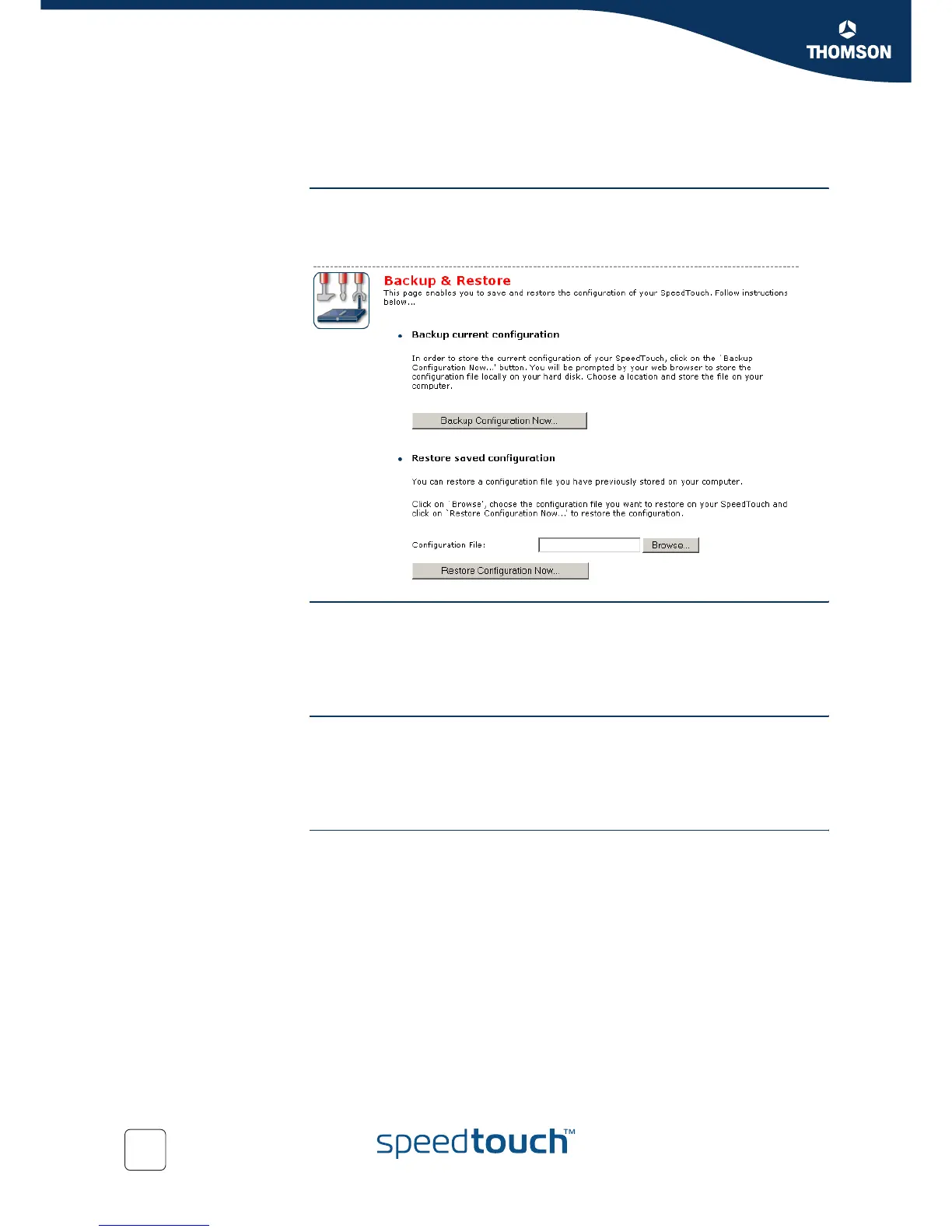
Introduction This page allows you to:
Save your current configuration.
Restore a previously saved configuration.
Accessing the Backup
& Restore page
Proceed as follows:
1 On the SpeedTouch menu, click Configuration.
2 Click Configure.
3 In the Pick a task... list, click Save or Restore Configuration.
Saving your current
configuration
Proceed as follows:
1 Click Backup Configuration Now.
2 Click Save.
3 Choose a location to save your backup file and click Save.
Restoring a previously
saved configuration
Proceed as follows:
1 Click Browse.
2 Select the configuration file you want to restore and click Open.
3 Click Restore Configuration Now....
4 The SpeedTouch™ loads your configuration and restarts.
5 At the end of the procedure, the SpeedTouch™ returns to the Home page.



 To Next Page