Chapter 3
Internet Connectivity Dial-In Clients
E-DOC-CTC-20050429-0104 v1.0
39
3.3 MS Windows XP BroadBand Connection
Prerequisites To be able to use the MS Windows XP BroadBand Connection, your SpeedTouch™
must be configured for either:
Bridging, or
PPPoE Relay
Configuring a
broadband connection
Proceed as follows:
1 On the Start menu, click (Settings >) Control Panel.
2 The Control Panel window appears. Go to (Network and Internet Connections
>) Network Connections.
3 In the Network Tasks menu, click Create a new connection.
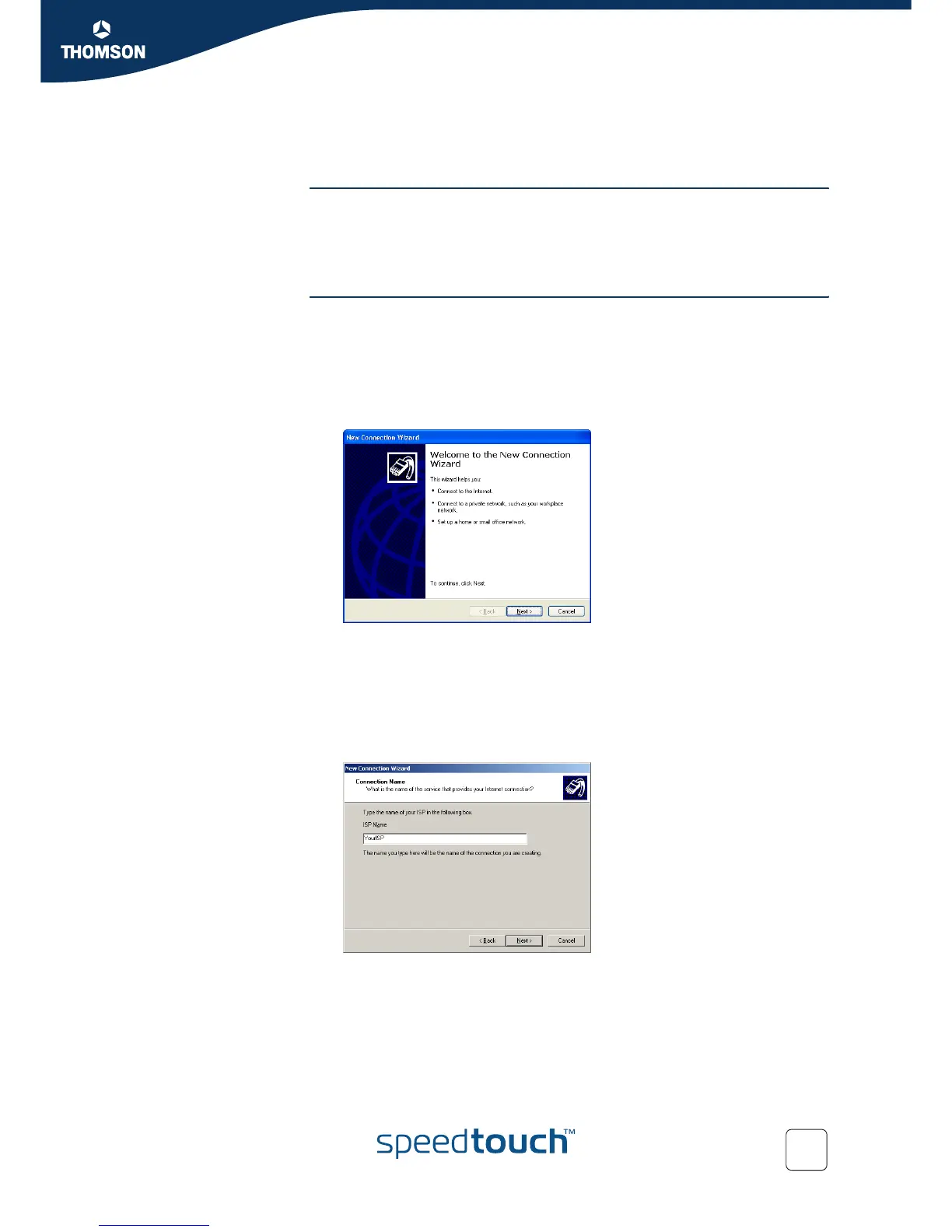
The New Connection Wizard appears:
Click Next.
4 Select Connect to the Internet and click Next.
5 Select Set up my connection manually and click Next.
6 Select Connect using a broadband connection that requires a user name and
password and click Next.
7 Give a name to the connection you are creating, for example YourISP:



 To Next Page