Chapter 4
Basic Configuration
E-DOC-CTC-20050429-0104 v1.0
80
4.5.10 Firewall
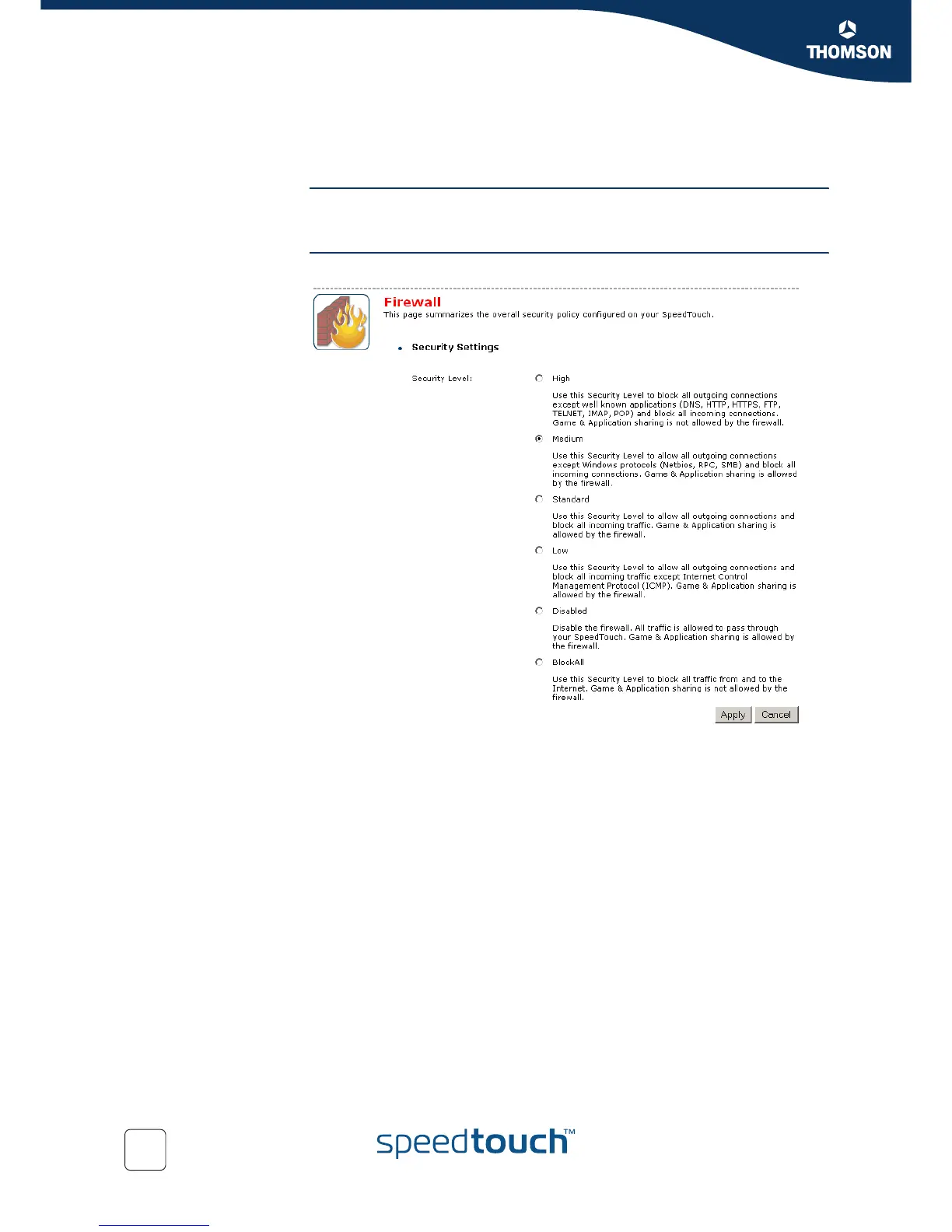
Overview The Overview page summarizes the overall security policy configured on your
SpeedTouch™.
Configure The Configure page allows you to select the security level of the SpeedTouch™.
Select one of following security levels:
Medium:
Use this Security Level to allow all outgoing connections except Windows
protocols (Netbios, RPC, SMB) and block all incoming connections. Game and
Application sharing is allowed by the firewall.
Standard:
Use this Security Level to allow all outgoing connections and block all incoming
traffic. Game and Application sharing is allowed by the firewall.
Low:
Use this Security Level to allow all outgoing connections and block all incoming
traffic except Internet Control Management Protocol (ICMP). Game and
Application sharing is allowed by the firewall.
Disabled:
All traffic is allowed to pass through your SpeedTouch™. Game and Application
sharing is allowed by the firewall.
BlockAll:
Use this Security Level to block all traffic from and to the Internet. Game and
Application sharing is not allowed by the firewall.



 To Next Page