Chapter 4
Basic Configuration
E-DOC-CTC-20050429-0104 v1.0
63
4.4.1 Connectivity Check
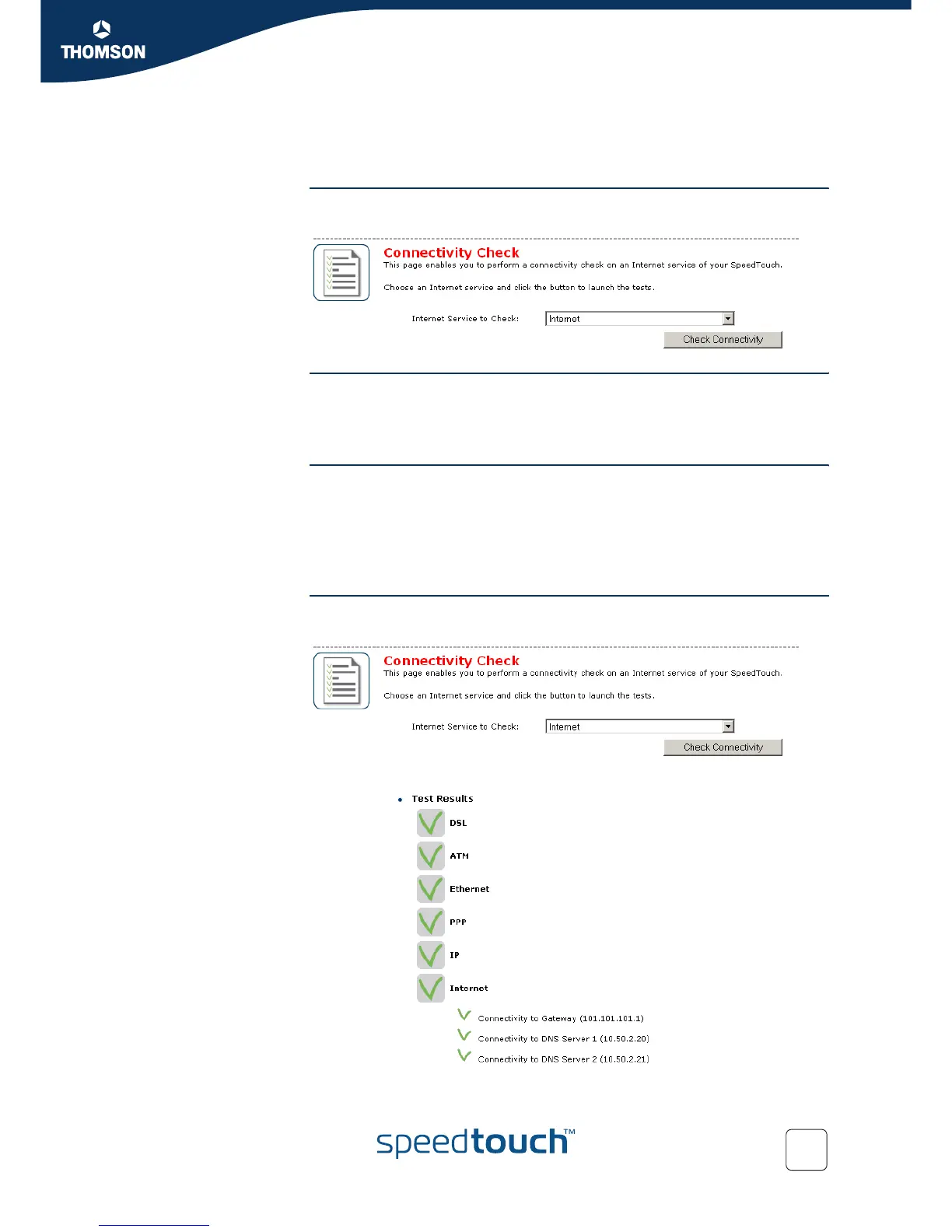
Introduction This page enables you to perform a connectivity check on an Internet service of your
SpeedTouch™.
Accessing the
Connectivity Check page
Proceed as follows:
1 On the left menu, click Broadband Connection.
2 In the Pick a task... list, click Check connectivity to the Internet.
Checking you Internet
Connectivity
Proceed as follows:
1 In the Internet Service to Check list, click the Internet service that you want to
check.
2 Click Check Connectivity.
3 The SpeedTouch™ lists the test results in the Test Results list.
Analysing the test
results
If the test is successful, you will get a list of green check marks. Otherwise a red
cross will indicate which tests have failed.



 To Next Page