Chapter 5
Expert Configuration
E-DOC-CTC-20050429-0104 v1.0
152
5.5.1 DHCP
Overview The DHCP web page offers three tabs to configure the SpeedTouch™ 's DHCP
functionality:
DHCP Server:
To configure the general behaviour of the SpeedTouch™ 's DHCP server.
DHCP Relay:
To configure the SpeedTouch™ DHCP relay.
DHCP Client:
To configure the SpeedTouch™ DHCP client.
DHCP Server The DHCP server configuration is split up in three sections:
Server Config:
To configure the SpeedTouch™ DHCP server ‘master’ settings and behaviour.
Server Leases:
To overview current the SpeedTouch™ DHCP server's current leases, and/or
add/delete static DHCP lease entries.
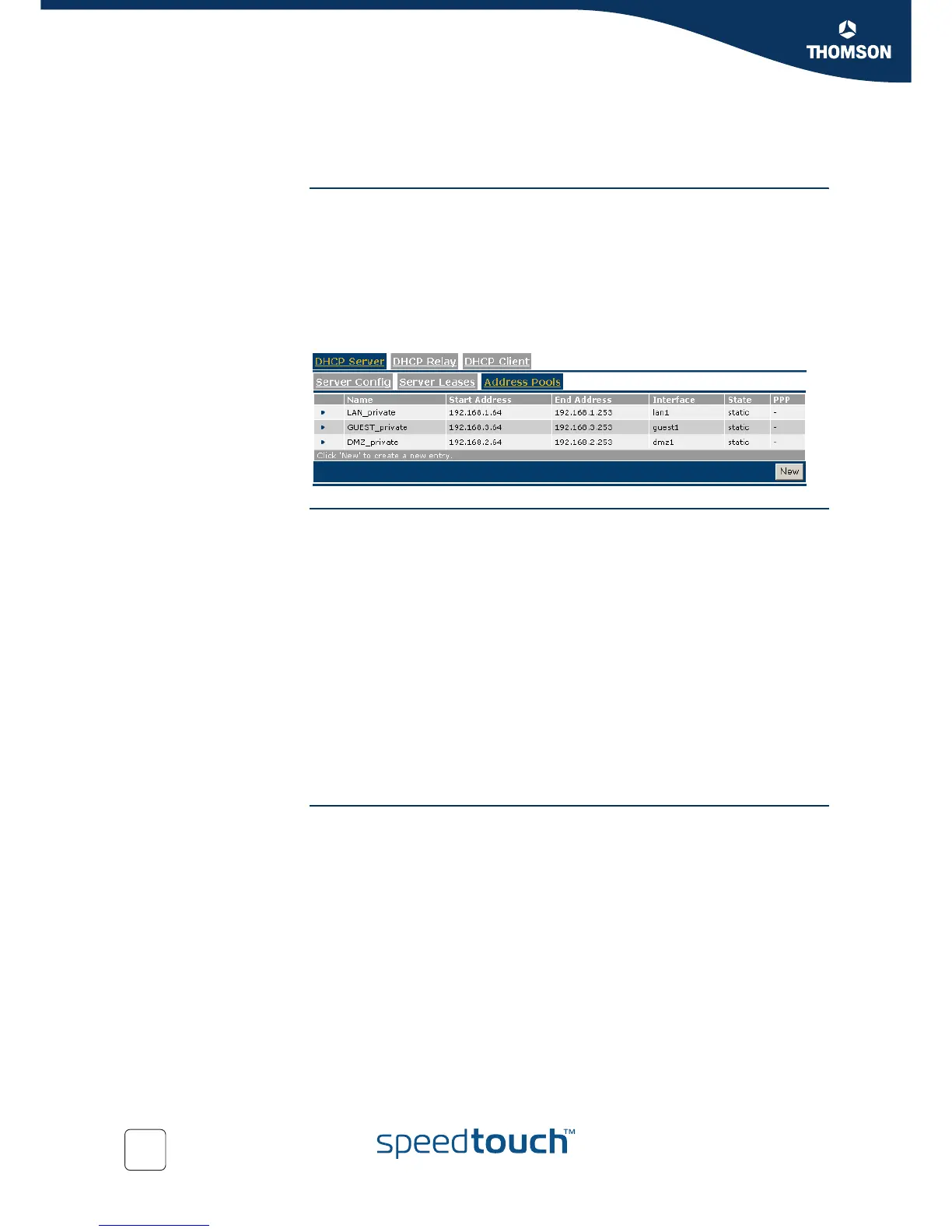
Address Pools:
To overview and add/delete DHCP address pools for the SpeedTouch™ DHCP
server.
As mentioned before, the SpeedTouch™ DHCP server - configuring local network
hosts - can be run in conjunction with one or more SpeedTouch™ DHCP clients or
SpeedTouch™ DHCP Relay agents, each created on behalf of a wide area connection.
I.e. for WAN interfaces the SpeedTouch™ offers DHCP client, or DHCP relay support
to configure MAC Encapsulated Routing (MER) or Routed IPoA interfaces
independently.
Server Config Following fields are available:
Activate server:
Select this check box to enable the SpeedTouch™ DHCP server.
Activate verify first:
Select this check box to enable IP address conflict network probing before
handing out an address to a client.
Activate trust client:
Select this check box if you want the SpeedTouch™ to take the IP address
suggested by a DHCP client into account.



 To Next Page