Chapter 5
Expert Configuration
E-DOC-CTC-20050429-0104 v1.0
112
5.2.6 System Update
Overview The System Update page features all means for management and maintenance of
your SpeedTouch™. It consists of two sections:
System configuration
System Upgrade
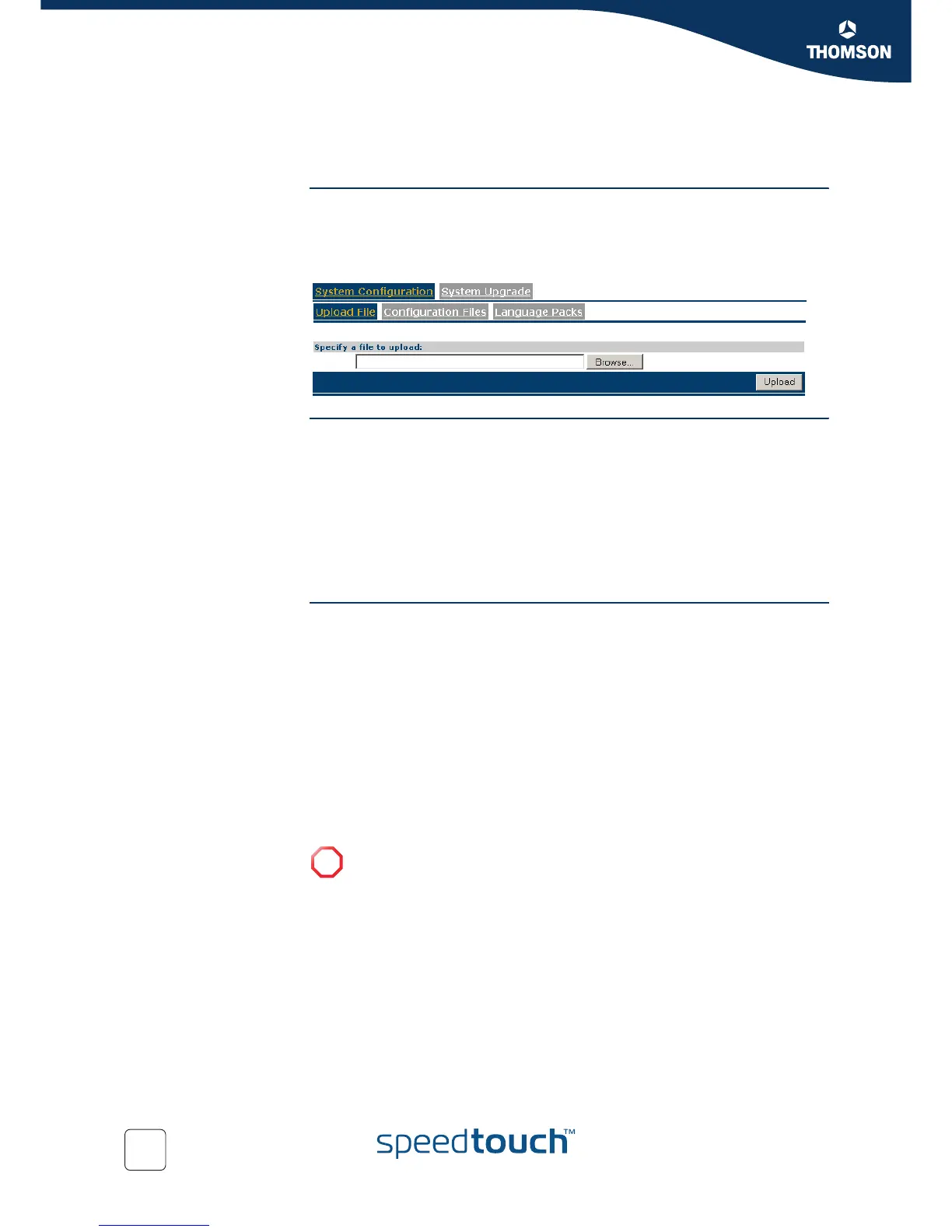
System configuration The System Configuration section allows you to manage locally stored system files.
Select:
Upload File to upload a system file to the SpeedTouch™.
See “ Upload system files” on page 112 for more information.
Configuration Files to manage stored configuration files.
See “ Manage configuration files” on page 113 for more information.
Language Packs to manage stored SpeedTouch™ web interface language
packs. See “ Manage language packs” on page 113 for more information.
Upload system files Following file types are allowed:
.ini
Files with extension ini are SpeedTouch™ configuration files. These files are
intended for backing up configurations (to back up your current configuration,
see “4.3.5 Backup & Restore” on page 58).
.tpl
Files with extension tpl are configuration templates, used by the SpeedTouch™
Home Install Wizard, available on the SpeedTouch™ Setup CD, or the embedded
Easy Setup wizard.
.lng
Files with extension lng are language packs for your SpeedTouch™. These files
allow you to select the language in which the SpeedTouch™ web interface is
presented.
!
You can only upload files with known extensions; however this does not
guarantee the validity of a system file. Only upload files if these are:
configuration files (.ini) you backed up yourself from this SpeedTouch™.
template files (.tpl) that are known to be valid for your SpeedTouch™
(e.g. stemming from the SpeedTouch™ Setup CD delivered with your
SpeedTouch™).
language packs (.lng) that match your SpeedTouch™’s Board name and
Software release.



 To Next Page