Chapter 5
Expert Configuration
E-DOC-CTC-20050429-0104 v1.0
109
5.2.4 Diagnostics
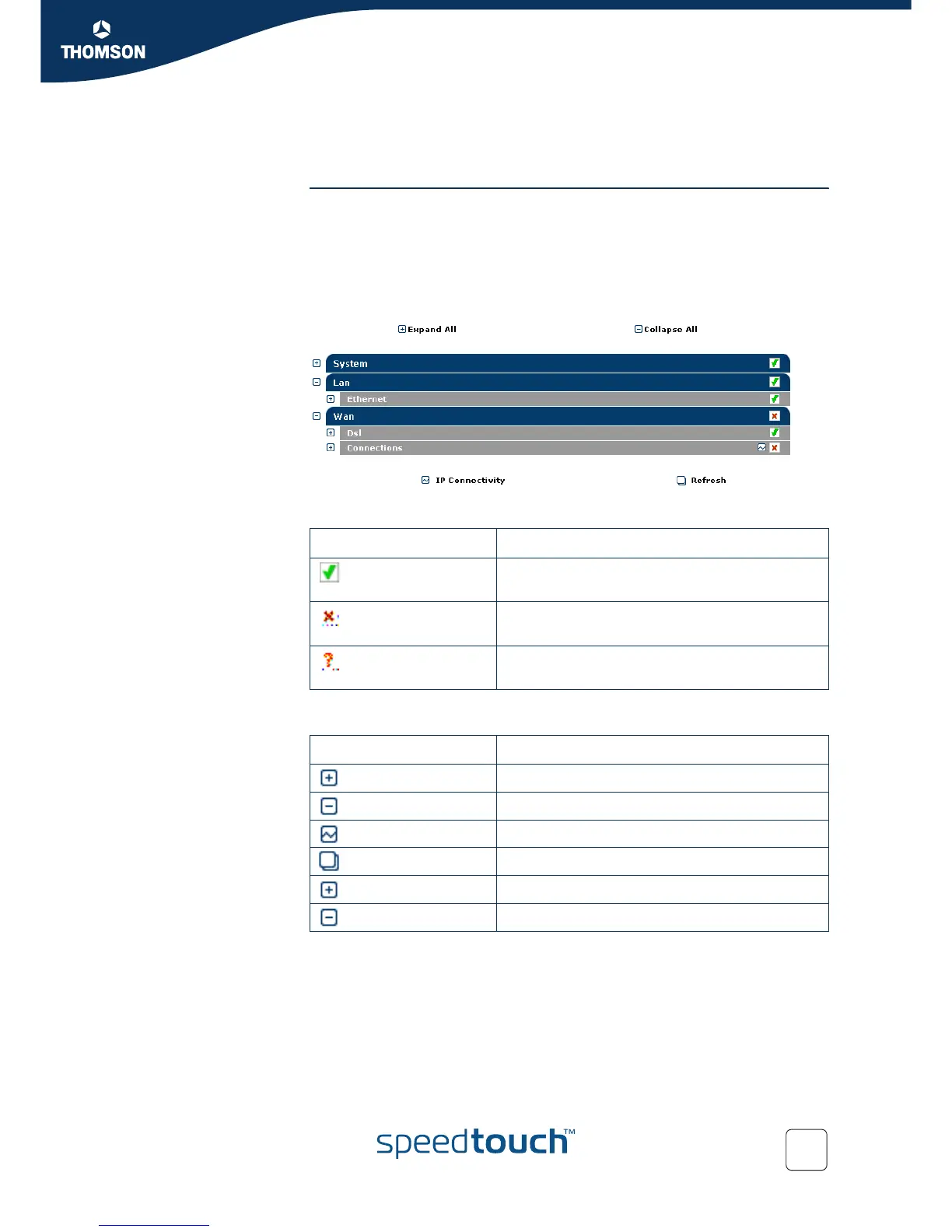
Overview The Diagnostics page provides in-depth information, counters and statistical data on
the SpeedTouch™ system settings, and its LAN and WAN connections.
The diagnostics are broken down into three expandable categories:
System
LAN
WAN
Per category an overall status is displayed:
Following action buttons are provided:
If the status is ... Then ...
the overall status of the particular category is
healthy.
an error situation has been detected for that
category.
the overall status of the category could not be
determined.
Click ... To ...
Expand All expand all collapsed categories.
Collapse All collapse all expanded categories.
IP Connectivity check all connections on IP connectivity.
Refresh refresh all diagnostical counters and values.
next to a category Expand the applicable category.
next to a category Collapse the applicable category.



 To Next Page