Chapter 4
Basic Configuration
E-DOC-CTC-20050429-0104 v1.0
56
4.3.3 Restart
Accessing the Restart
page
Proceed as follows:
1 On the left menu, click SpeedTouch.
2 In the Pick a task... list, click Restart.
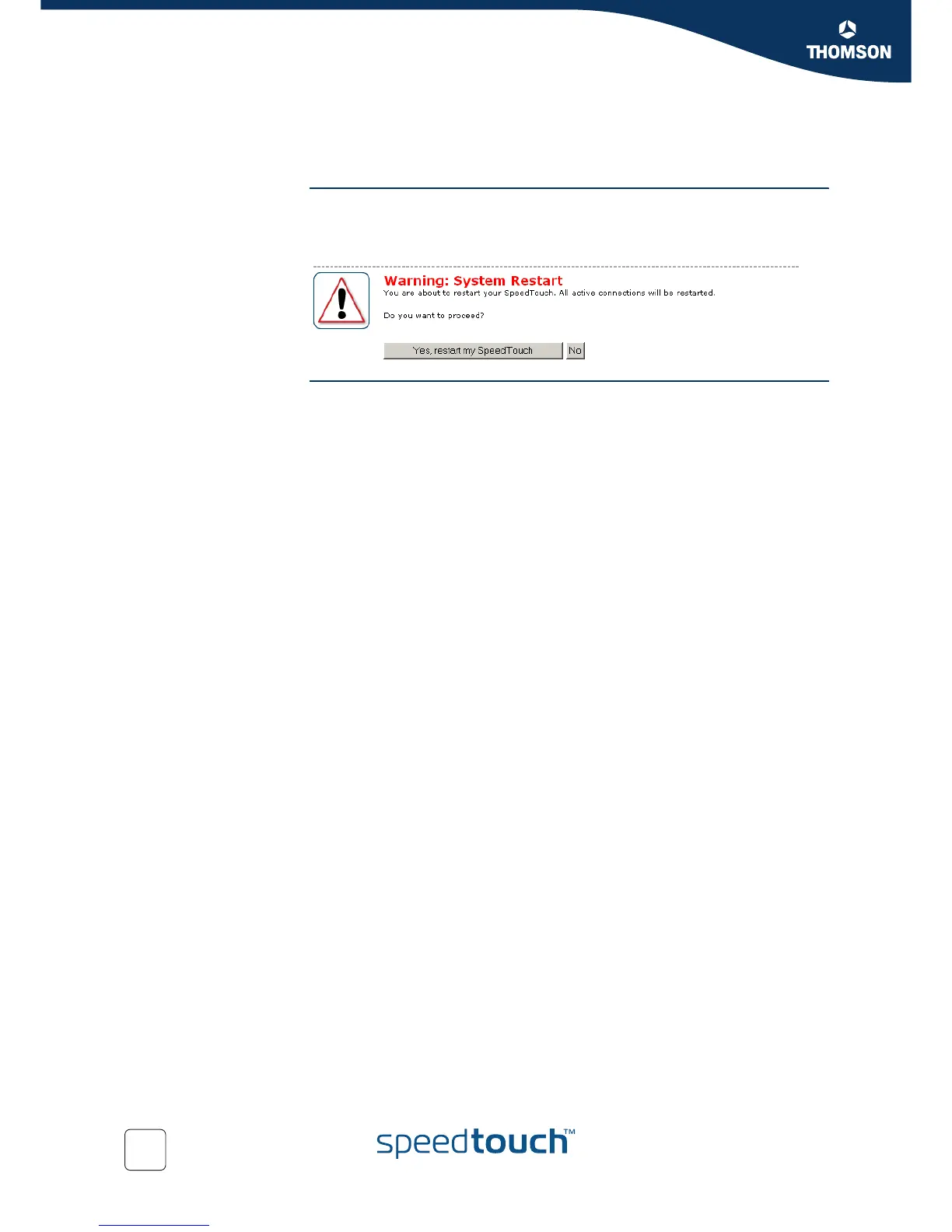
Restarting your
SpeedTouch™
Proceed as follows:
1 Click Yes, restart my SpeedTouch.
2 The SpeedTouch™ restarts.
3 The SpeedTouch™ returns to the Home page.



 To Next Page