4
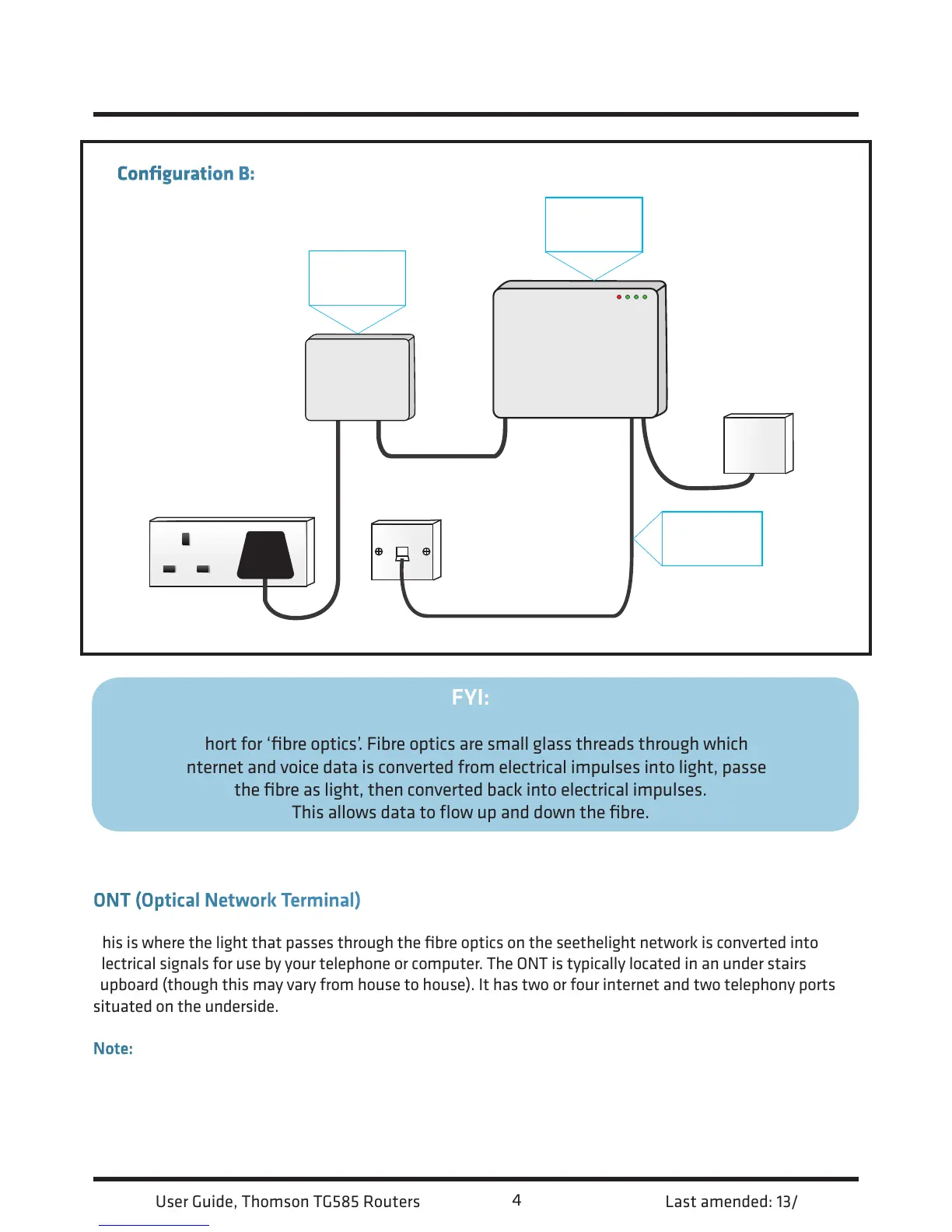
Configuration B: The same as A but without a patch panel.* *Exact layout of equipment may vary.
FYI:
Fibre is short for ‘fibre optics’. Fibre optics are small glass threads through which light is
passed. Internet and voice data is converted from electrical impulses into light, passed down
the fibre as light, then converted back into electrical impulses.
This allows data to flow up and down the fibre.
Your Fibre Equipment continued...
ONT (Optical Network Terminal)
This is where the light that passes through the fibre optics on the seethelight network is converted into
electrical signals for use by your telephone or computer. The ONT is typically located in an under stairs
cupboard (though this may vary from house to house). It has two or four internet and two telephony ports
situated on the underside.
Note: Make sure your ONT’s power supply is plugged-in and switched on or you will not have a connection to
the seethelight network for both telephony and internet.
Battery
Back-Up
ONT
Telephone
Adaptor














 To Next Page