- 8-
1. Getting Started
1.1. Selecting the Operator for First Use
Before you use the phone for the first time, please charge
the battery for eight hours in order to optimize its
performance (see also the Quick Start Guide).
Press and hold the power
button located at the top right
of the phone to boot it. After a
f e w m o m e n t s , a s c r e e n
prompt s you to configur e
you r pho ne . If yo u hav e
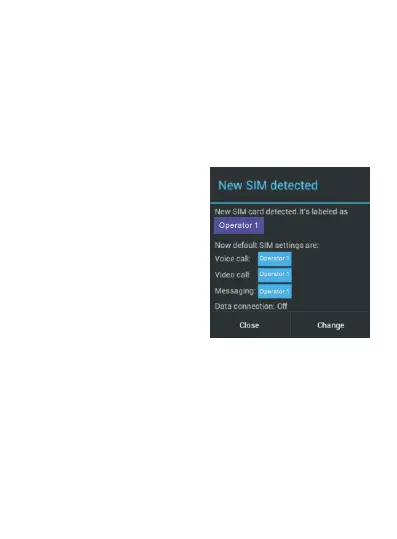
inserted two SIM cards, this
screen allows you to specify
which network operator to be
used by default for calls,
messaging and mobile data.
By default, mobile data is
disabled. To enable mobile
data in order to surf the
Internet and send emails via
the data network of your
s e r v i c e p r o v i d e r , t a p
“Change.



 To Next Page