- 43-
3.2. Favorites Bar
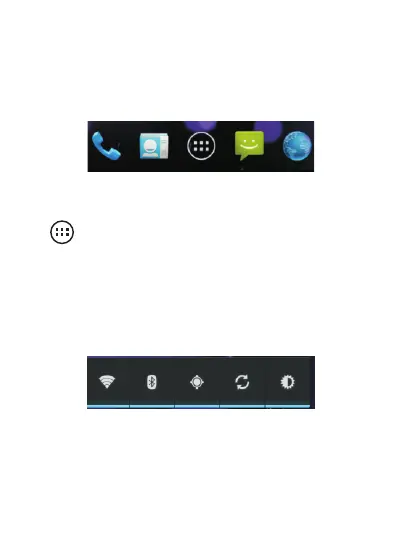
The favorites bar is located just above the navigation
buttons:
The application icons that you keep in this bar remain
visible on each Home screen.
The . Tap it
to access all the installed applications on the phone.
icon in the center is displayed permanently
3.3. Shortcuts
The shortcut bar illustrated below allows you to easily
activate certain modes without having to go to the settings
menu.



 To Next Page