-57-
4.2. Changing the Phone Language
The default language of the
phone is that of the SIM card
inserted. To change the default
l a n g u a g e , f r o m t h e H o m e
screen, tap and then select
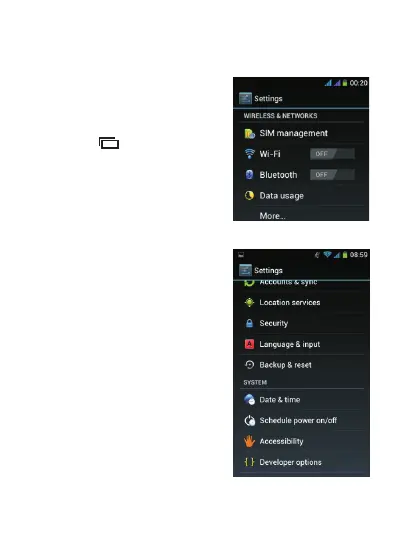
“System settings”. The screen
below is displayed.
S c r o l l d o w n a n d s e l e c t
“ L a n g u a g e an d i n p u t ” as
shown below.
The first option allows you to change the phone language.



 To Next Page