-53-
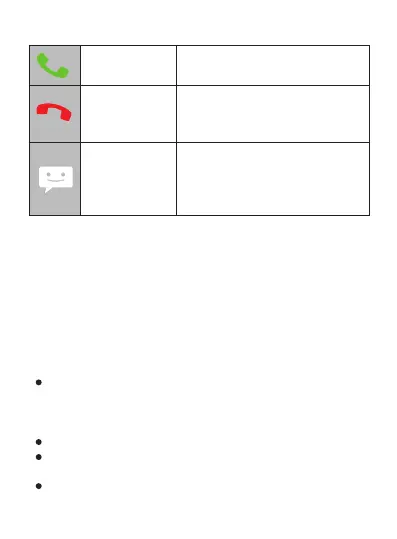
Answer To respond to the caller
Forward call to
voicemail
Send a
message
Opens a list of default SMS.
Select one of them to send the
message immediately to the
caller.
Redirects the caller to your
voicemail so that he/she can
leave you a message.
3.9. Notifications
Notifications alert you of new messages, upcoming
calendar events, alarms, as well as current events, for
example when you set up your phone as a Wi-Fi hotspot.
When you receive a notification, its icon appears at the top
left corner of the screen. Depending on the parameters
you have set, notifications may also emit an alert tone.
Consulting your notifications: Drag your finger
vertically from top to bottom across the screen. The
currently selected network operator(s) will also appear
on the screen.
Responding to a notification: Tap it.
Closing a notification: Drag it to the side of the
screen.
Closing all notifications: Tap the cross (X) at the top
right corner of the screen.



 To Next Page