- 42-
3.1. Navigation Buttons
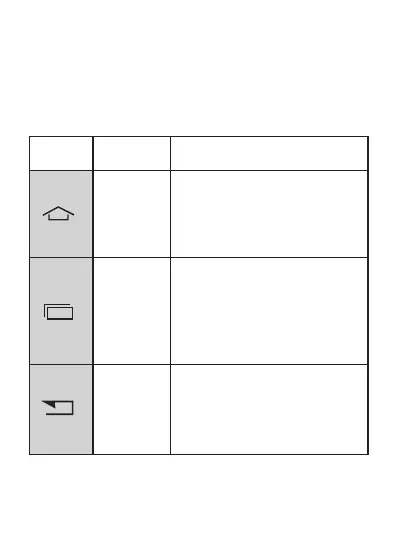
There are three navigation buttons below the screen.
Whatever you do with your phone, you can always return
to the Home screen or to the previously opened screens:
Icon Name Description
Home
Options
Return
1. Short press: to return to the
Home screen at any time.
2. Long press: to switch easily
between all the applications
that are already open.
1. F ro m t h e H om e s cr e en ,
press to access the phone
settings options.
2.When using an application,
press to access the options
menu of the application.
1.To return to the previous
screen.
2.In text input mode, press to
remove the keyboard from
screen.



 To Next Page