- 50-
3.6. Switching between Applications
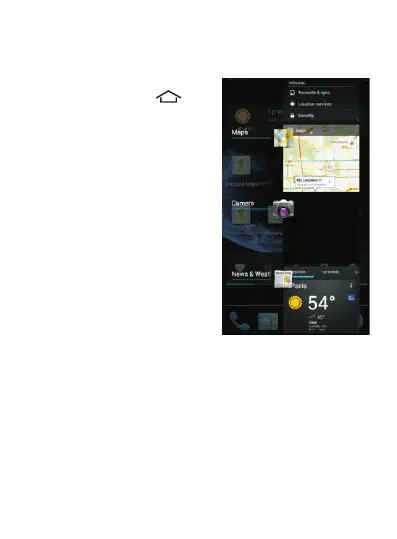
When an application is
open, long press the
button to display all open
applications on the screen.
Then you can quickly
select the one you want to
use.
3.7. Using the Touch Screen
Use your fingers to manipulate icons, buttons, menus, on-
screen keyboard and the other elements of the touch
screen. You can also change the screen orientation.
To select or activate an item, simply tap it.
To enter text, such as a name, password, or keyword for
search, tap the input field. The on-screen keyboard
appears and you can insert the text in the selected field.



 To Next Page