- 61-
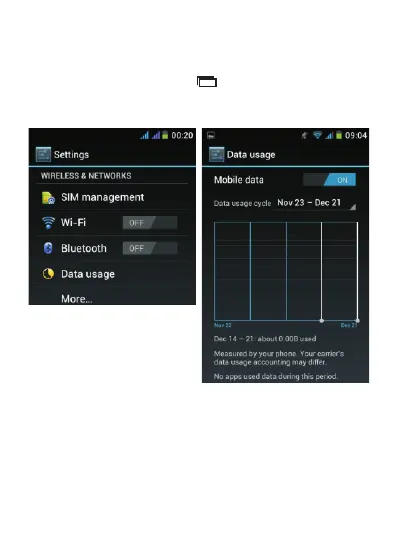
4.5. Data Usage and Enabling/Disabling Mobile Data
From the Home screen, tap and then select “System
settings”. The below screen appears, select “Data
usage”.
From this screen, you choose to enable or disable mobile
data. If you have a limited data plan, you can also set a
mobile data limit.
Note: This function aims to help you check your data
usage, but the information is estimation only and may be
different from the data charges billed by your service
provider.



 To Next Page