- 33-
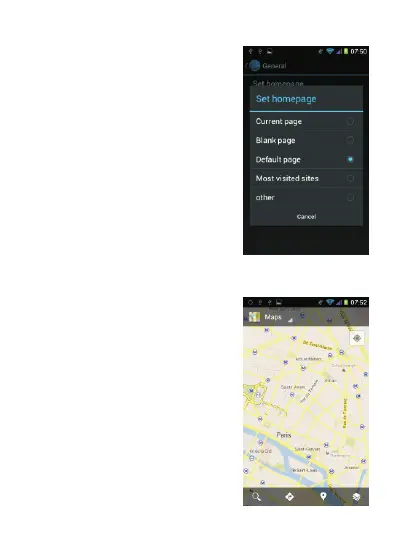
Select “Set homepage” to set the
currently displayed page as the
browser's homepage.
2.4. Activating Geolocation and GPS
The “Maps” application allows you
to orientate yourself easily when
you are traveling. You do not need
pa pe r ma ps an ym or e! B ef ore
using the Maps feature for the first
ti me , y ou m us t f ir st a c ti va te
Geolocation on this phone.



 To Next Page