- 31-
Tap to access the options. Then choose “Save to
bookmark” to save the address of the current page.
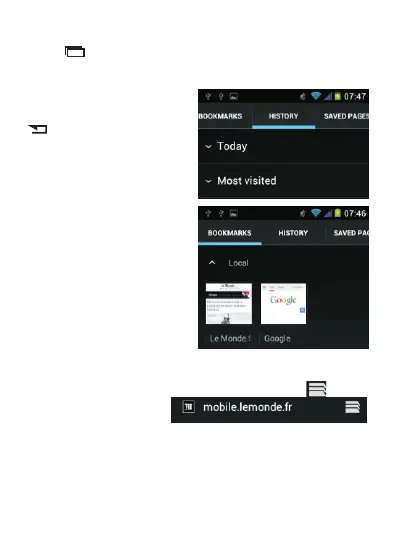
To v i e w y o u r f a v o ri t e
websites, long press the
button, then select the
t a b “ B o o k m a r k s ” o r
“History”.
To access your favorite websites or to open another web
page (while keeping the existing one open), tap on the
right of the address bar



 To Next Page