- 46-
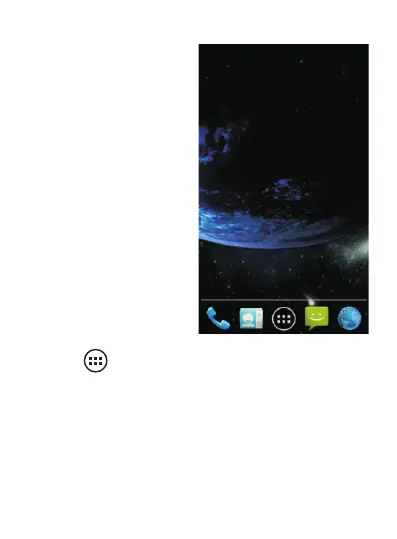
To create a new shortcut:
Sweep the screen with your
finger left or right in order
to choose an empty one. A
screen similar to the one
below should appear.
Then tap to display all your applications. To select an
application, for example “FM radio”, touch and hold the
application's icon. Drag the icon to the desired position on
the screen. The application “FM radio” is now promptly
accessible from the Home screen. To remove this shortcut,
touch and hold the icon, then drag it to the top of the
screen. “Remove” will appear and the shortcut (not the
application) will be deleted. To remove an application from
the phone, please refer to the end of Section 2.1.



 To Next Page