- 21 -
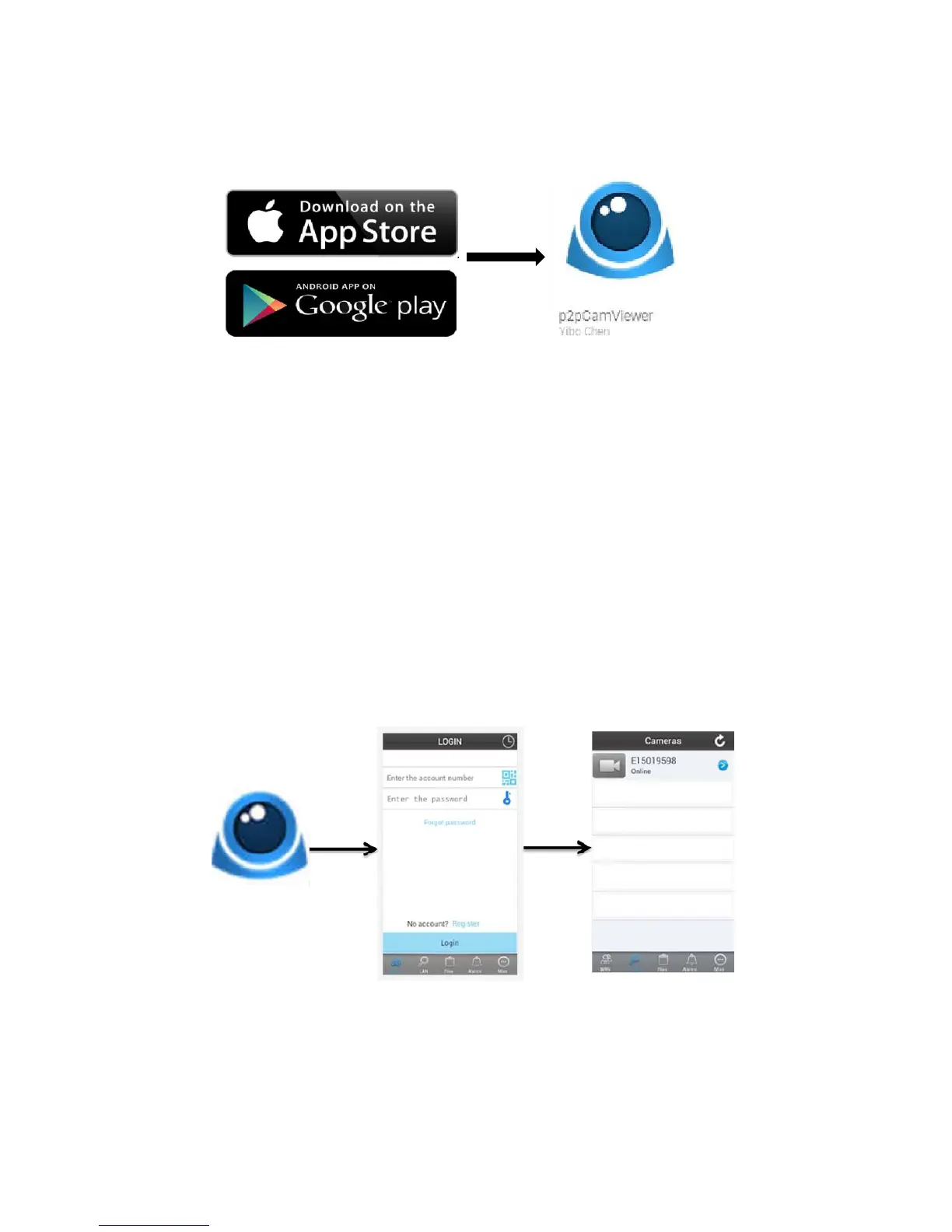
Go to the Apple App Store or Google Playstore to download the
P2Pcamviewer application (See image below)
Connecting to your Apple/Android device
To view and control the camera from your Apple/Android device, you
will require a strong WiFi connection on your phone and the
application mentioned above.
Open the application to see the login window. Login to the camera
using the Username and Password (found on the back of the device).
(See image 2)
Once you have logged in, the camera name will appear on the camera
list. (See image 3)


 To Next Page