- 22 -
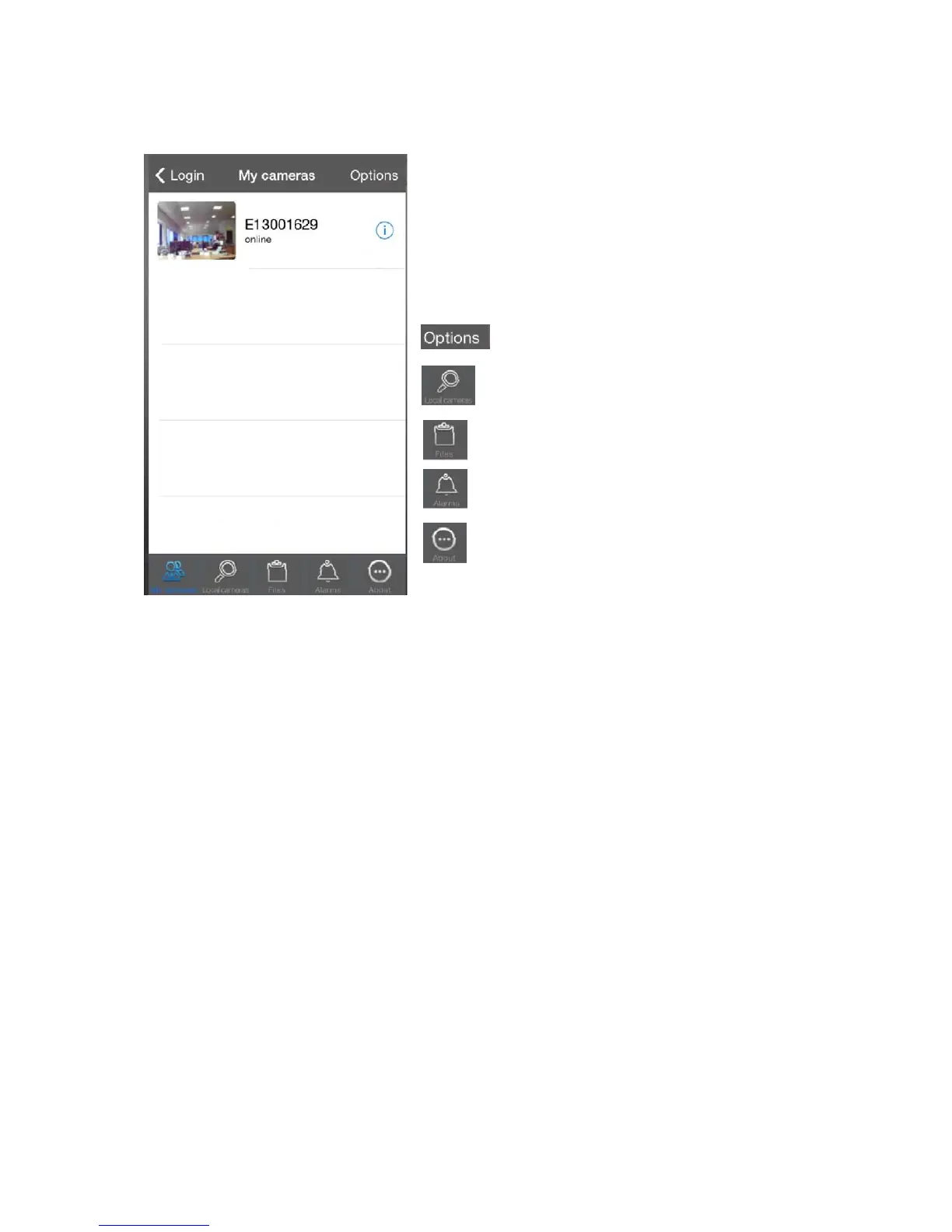
Manage Camera Settings from your Apple/Android device.
The Camera list allows you to see all
connected cameras.
You can also see the status of the camera
to show if the camera is offline or online.
- Change your log in password for the camera or
add another camera.
- The local camera list allows you to see all cameras
connected to your internet.
- You will find all photos and video recordings saved
here
- Alarm reports allows you to see when
movement has been detected.
- This will allow you to learn about the software, check
for updates, total capacity and available capacity.
-


 To Next Page