PK-232 MBX – OPERATING MANUAL MORSE OPERATION
8/91 8-2 101
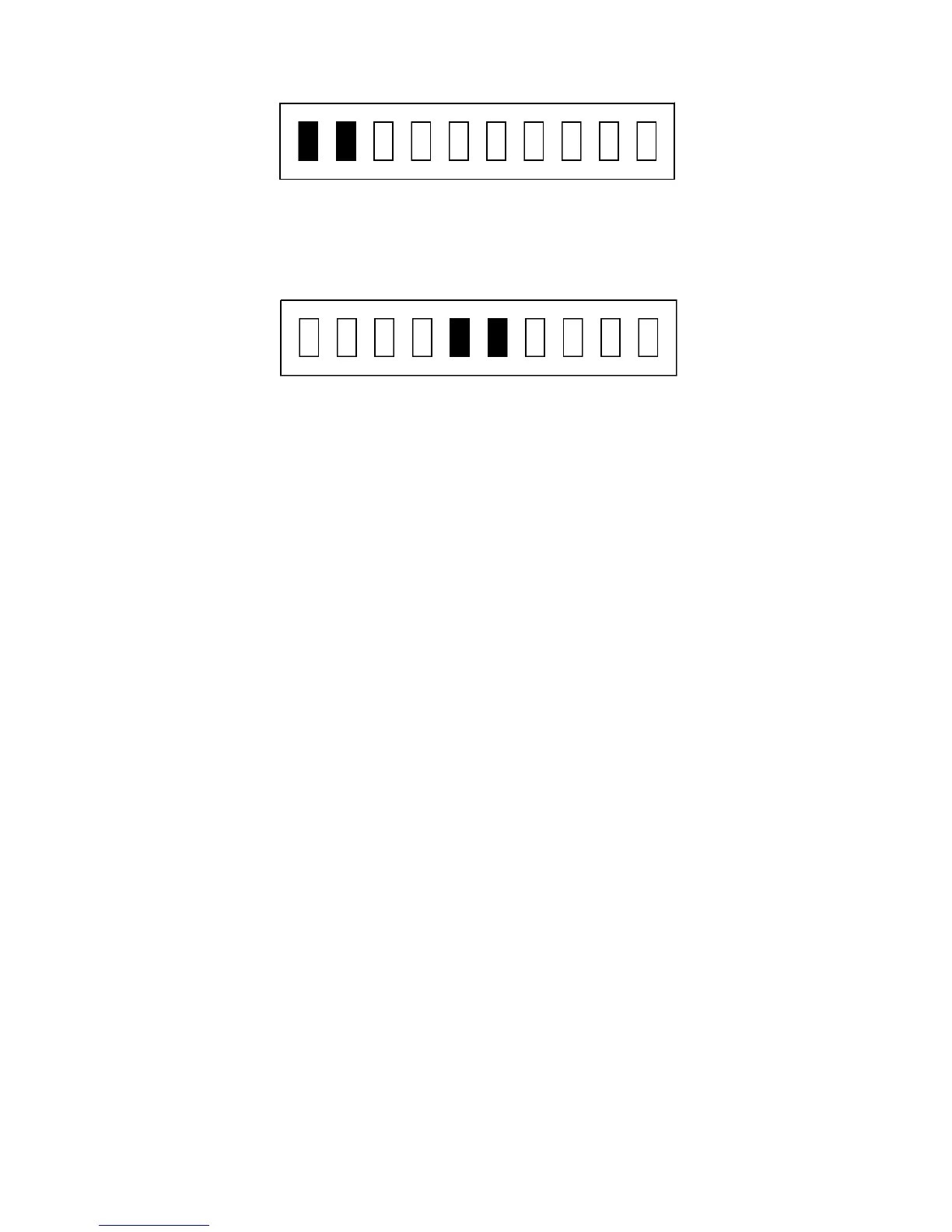
Tuned In (KeyDown)
When the station is not "keyed down" or there is no station on frequency, the tuning indi-
cator should look like the one below.
Frequency Quiet
o Adjust the PK-232's THRESHOLD control so that the DCD LED lights when a properly
tuned Morse station is being received.
When you have a Morse station tuned in, you should see the copy on your screen. The
PK-232 will track the speed of the received signal.
8.3 Going On The Air
Make sure your PK-232 is adjusted for Morse operation as described in your transmitter's
manual. Make sure your antenna is tuned and adjusted for the band and operating fre-
quency you are using.
If you are using a terminal or terminal program, the following will place your PK-232 and
transceiver into the transmit mode.
o Type X for XMIT and then press the <Enter> key to key your transmitter and auto-
matically enter the Converse mode.
As soon as you type the <Enter> key you will be transmitting! At this point you are also in
the CONVERSE mode and anything you type will be sent in Morse by your transmitter.
When you are finished transmitting, use one of the following methods to return to receive.
o Type <CTRL-D> to shut off your transmitter and return to the Command Mode.
o Type <CTRL-C> to return to the Command Mode and then type R to shut down
your transmitter and end the contact.
See the following sections for some Morse operating hints.
8.3.1 A Typical Morse Contact
As with most amateur operating modes, you can start a contact either by "calling CQ" or
by answering a "CQ" call by another station.
To call CQ first you must tell your PK-232 to start transmitting.



 To Next Page