PK-232 MBX – OPERATING MANUAL SIAM AND TDM OPERATION
4/91 10-2 110
Tuned In
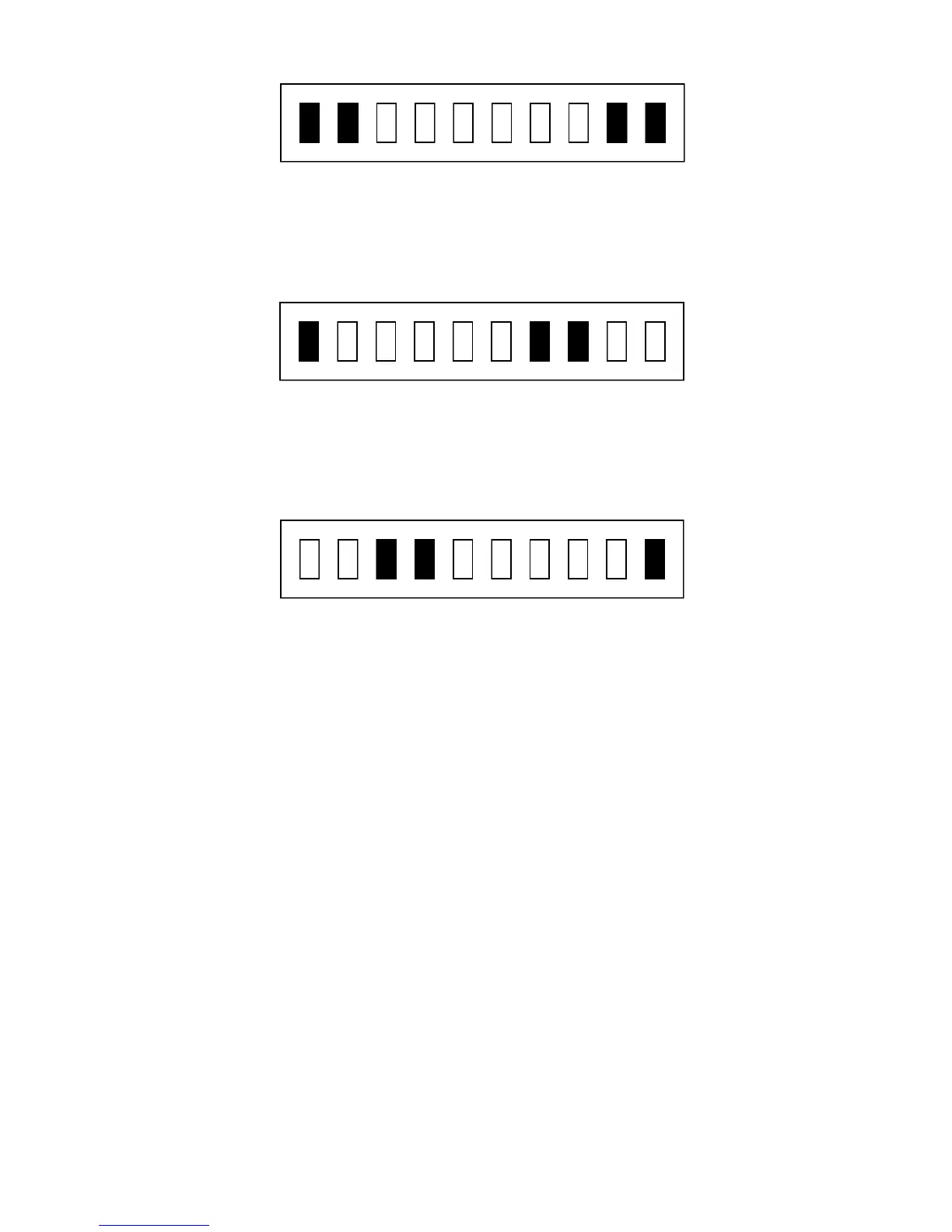
If the tuning indicator looks like the one below, the frequency from your speaker is
too low for the PK-232 to copy packets. Slowly tune the VFO and make the fre-
quency higher.
Frequency Too Low
If the tuning indicator looks like the one below, the frequency from your speaker is
too high for the PK-232 to copy packets. Slowly tune the VFO and make the fre-
quency lower.
Frequency Too High
o Adjust the PK-232's THRESHOLD control so that the DCD LED lights when a properly
tuned RTTY station is being received.
HINT: If you adjust the THRESHOLD control so the DCD LED goes out when
no station is being received, you will prevent garbage characters gen-
erated by noise from printing on your screen.
10.3 Starting the SIAM Mode
After correctly tuning in a signal as described above, you are ready to enter the SIGNAL
command. The PK-232 will respond with:
Opmode was XXXXX
Opmode now SIgnal
Make sure the THRESHOLD is adjusted so that the DCD LED is lit, then after about 10 sec-
onds the PK-232 should respond with a baud rate indication and confidence factor similar to
the one shown below.
0.47: 50 Baud,
After another 15 seconds or so, the PK-232 should respond with one of the following signal
classes and tell whether or not the signal is reversed by giving the status of the command
RXREV:
ASCII AMTOR ALIST Baudot Unknown noise 6-bit TDM



 To Next Page