15
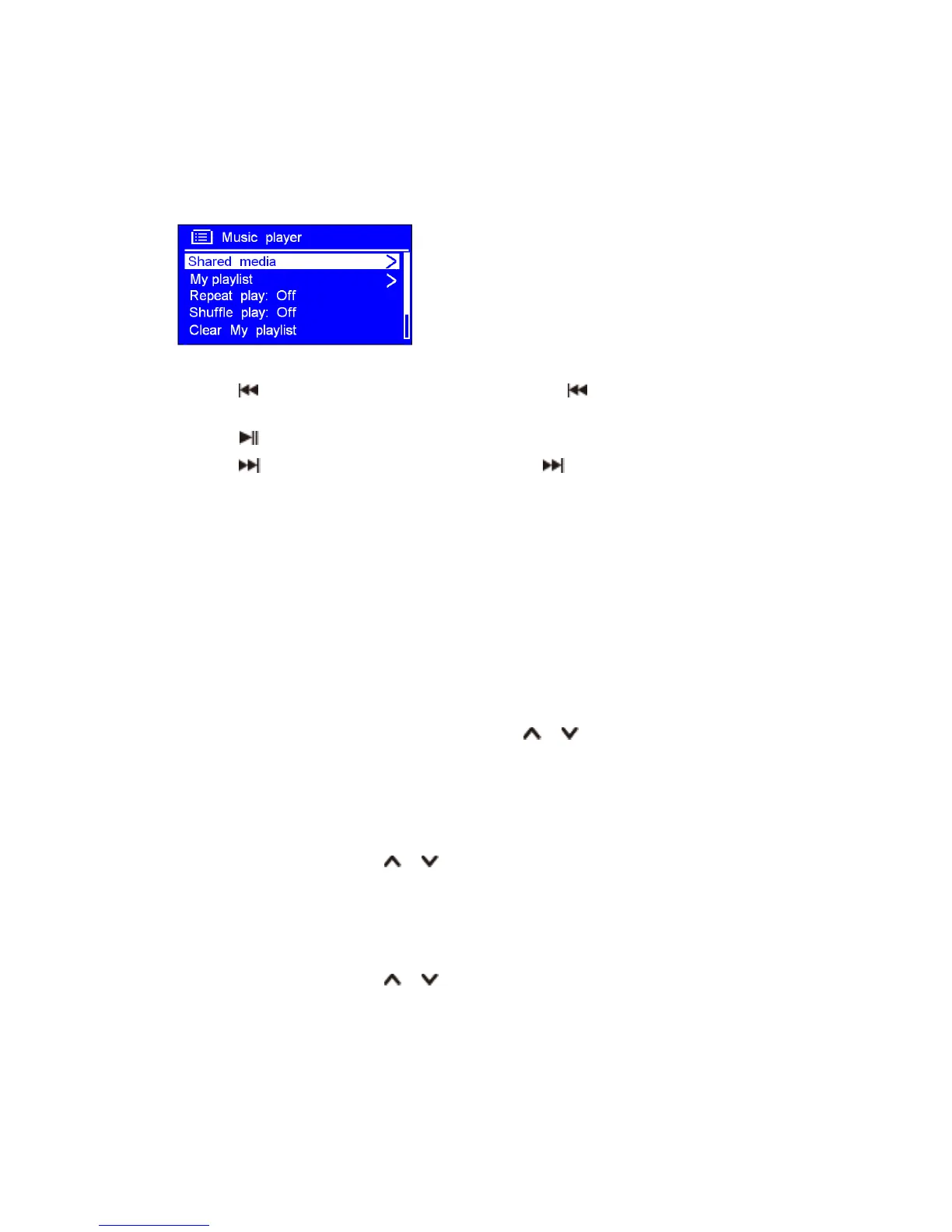
Play Shared Media
1. Press MODE button repeatedly to select Music player mode.
2. While 'Shared media' is highlighted, press OK button to confirm, and then step by step to your
selecting music.
3. When a track is playing, you can use remote control to:
a. Press button to skip to previous track; press and hold button to rewind current playing
track.
b. Press button to play/pause current playing track.
c. Press button to skip to next track; press and hold button to fast forward current playing
track.
My Playlist
The My Playlist feature enables you to create a playlist of your favourite tracks from your music
libraries.
Once you have your playlist ready you can choose to play through the playlist on your receiver and
can also set shuffle and repeat play functions while your playlist is playing.
To save a track to "My Playlist", browse the track you want to add to the playlist, press and hold OK
button, then the track is added to the playlist.
To play 'My Playlist', press MENU button, and then press or button to select 'My playlist',
press OK button to confirm. Browse the track you want to play, press OK button to select.
Repeat Play Mode
Press MENU button, and then press or button to select 'Repeat play: Off', then press OK
button repeatedly to shift repeat play 'On' or 'Off'.
Shuffle Play Mode
Press MENU button, and then press or button to select 'Shuffle play: Off', then press OK
button repeatedly to shift repeat play 'On' or 'Off'.



 To Next Page