17
DAB Mode
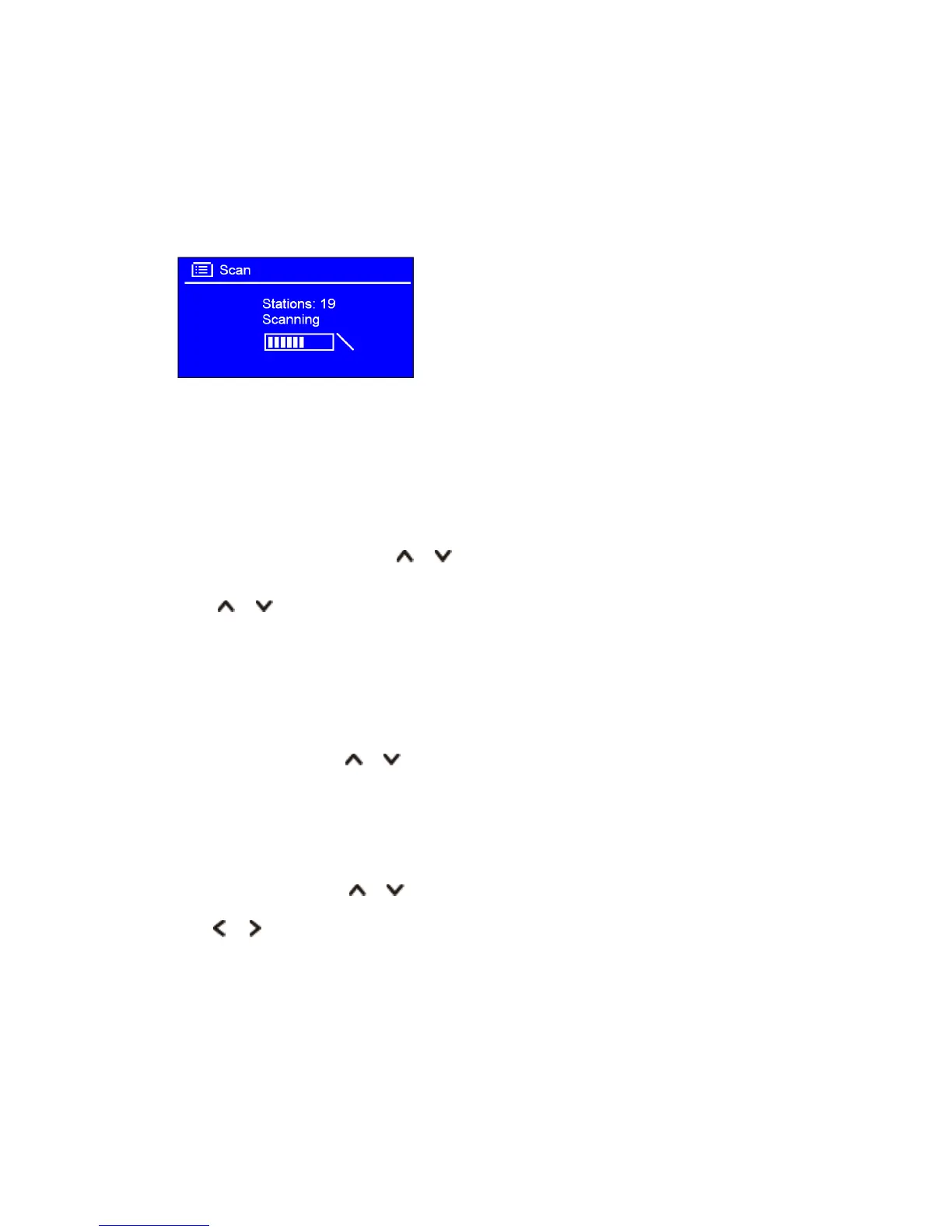
Select DAB mode
1. Press MODE button repeatedly to select DAB mode.
2. For initial use, your receiver will carry out a full scan and store stations list in memory.
3. Once the scanning is completed, the DAB/DAB+ stations will be displayed in alphanumeric order.
The first station in the list will be selected, press OK button to broadcast.
Note:
if no DAB/DAB+ signal is found in your area, it may be necessary to relocate your receiver
to a stronger signal area.
Select another DAB/DAB+ Station
1. While a program is playing, press or button to display station list, or, press MENU button >
'Station list', and then press OK button to confirm.
2. Press or button to select the stations you want to play, and then press OK button to
confirm.
Scan Stations
Simply press SCAN button to scan for all available stations.
Or, press MENU button, press or button to select ‘Scan’, and then press OK button to full scan.
Prune Invalid
You may remove all unavailable stations from the station list.
1. Press MENU button, press or button to select 'Prune invalid', and then press OK button to
confirm.
2. Press or button to select ‘YES’, and then press OK button to confirm.
DRC (Dynamic Range Control) value
You can set the compression level of stations to eliminate the differences in dynamic range or sound
level between radio stations.
Note: Set DRC to off indicates no compression;
Set DRC to low indicates little compression;
Set DRC to high indicates maximum compression.



 To Next Page