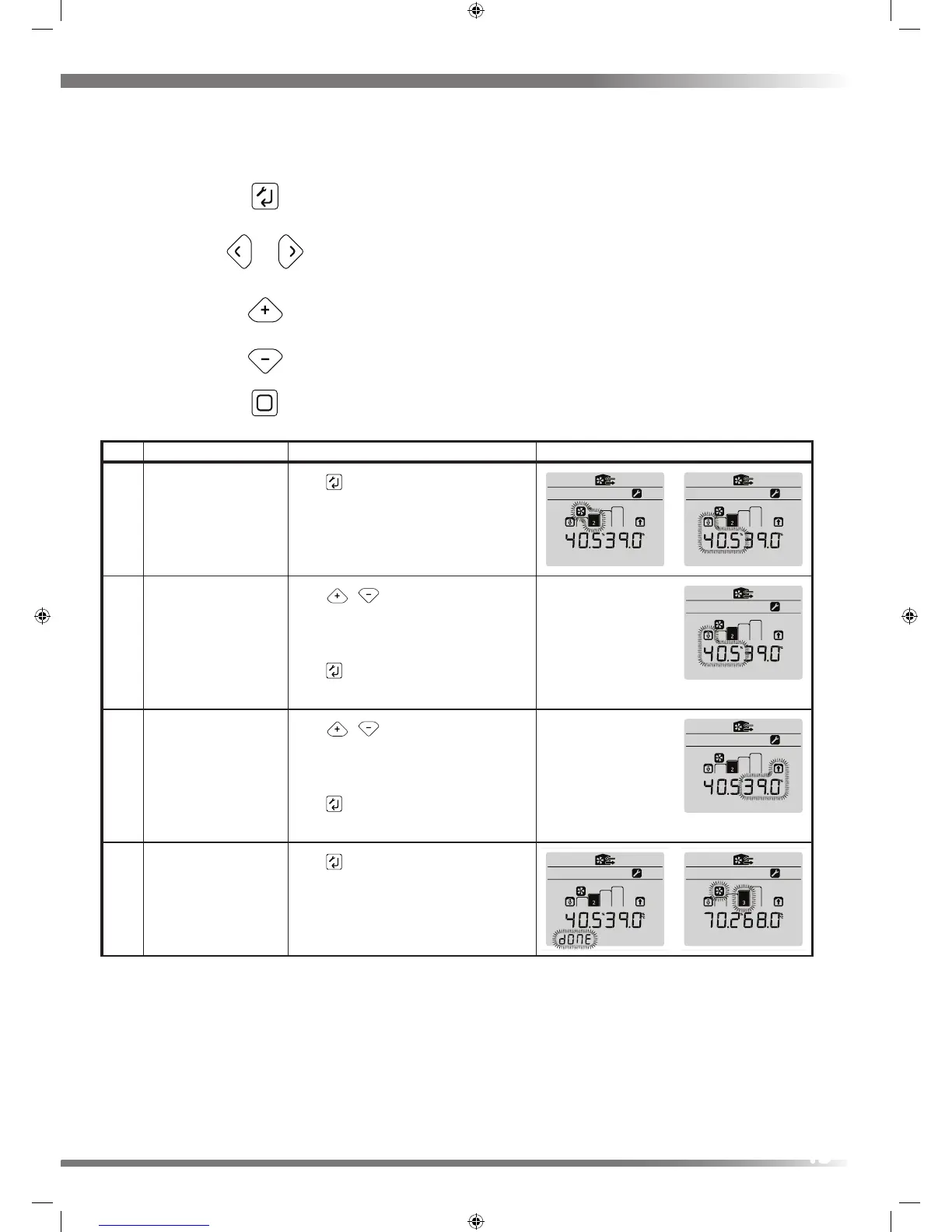
Step Action Button Press(es) Screen(s)
12 Enter Continuous SPEED2
setup
Press
key to enter edit
13 Edit Continuous Supply
Rate
Using
/ edit supply rate
Press and release to modify the decimal
Press and hold to modify the integer
Press key, to enter value and move to
next menu item
14 Edit Continuous Extract
Rate
Using
/ edit extract rate
Press and release to modify the decimal
Press and hold to modify the integer
Press key, to enter value and move to
DONE
15 Finish Continuous
SPEED2 setup
Press
key to enter values and move to
the next menu item
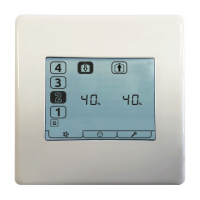
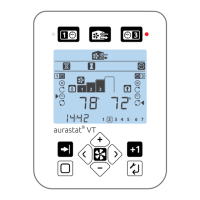
SETUP key
ARROW keys
+/- keys
HOME key
Enter setup
Switch between Fan Speed % display
& Temprature monitoring
Cycle though Clock,
RH% & Room Sensor(s)
Long Press engage Holiday Mode
Switch HRV into Speed 3 Boost Speed
Restart - Heating Failure Mode
Advance timer program when
unit is in Timer Mode
Adds one hour of Timer run time
to the selected Timer Mode
Run Modes
Run Modes


 To Next Page