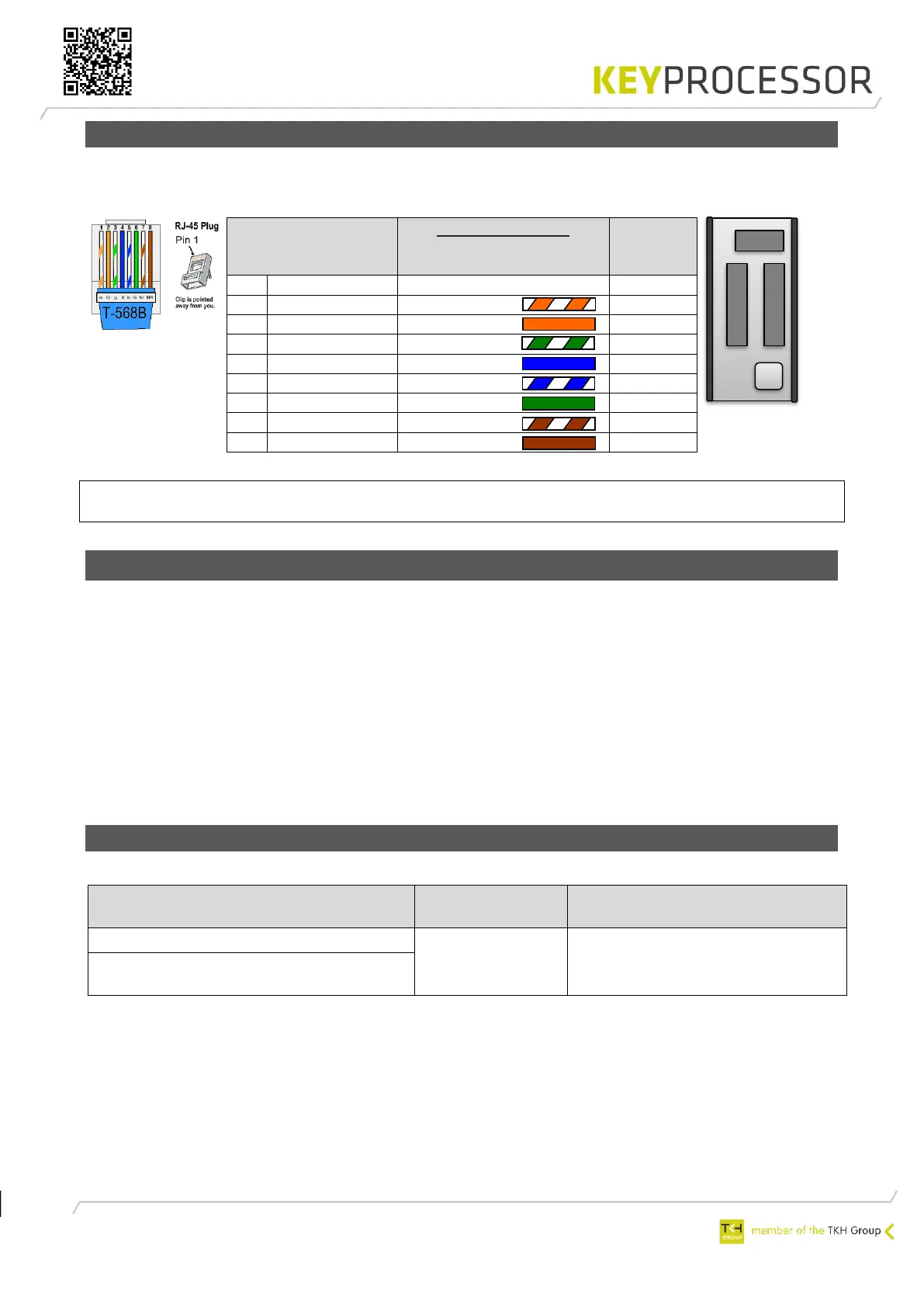
7.3.2.1 Connection of kpBus
When using shielded cable, one end of the cable’s metal sheath must be attached to the earth
ground connection ⏚ in the system cabinet.
NOTE the Polyx is always the starting point of a kpBus. Add an EOL jumper to the end
of the kpBus, see Figure 20: Polyx - kpBus.
7.3.3 Connection via an adapter board
If no direct UTP connection between the network controller and the Orion is possible, an adapter
board can be used.
Possible reasons for the use of an adapter board include:
• The Orion and the network controller are mounted in different buildings, so the connection
cable exits the building
• The connection cable is not – or is not guaranteed to be – a (≥Cat5e) UTP cable (e.g. if an
existing connection cable is being reused)
• Surge protection is required
The adapter board along with the network controller are connected using standard UTP ≥Cat5e
cable (plug-in connection). For more information, please refer to the adapter board manual.
7.3.3.1 Wiring requirements
Recommended cable for communication bus between network controller and Orion(s):
Twisted pairs of 24AWG (at least)
copper conductors, shielded


 To Next Page