15
Input signal is too big.
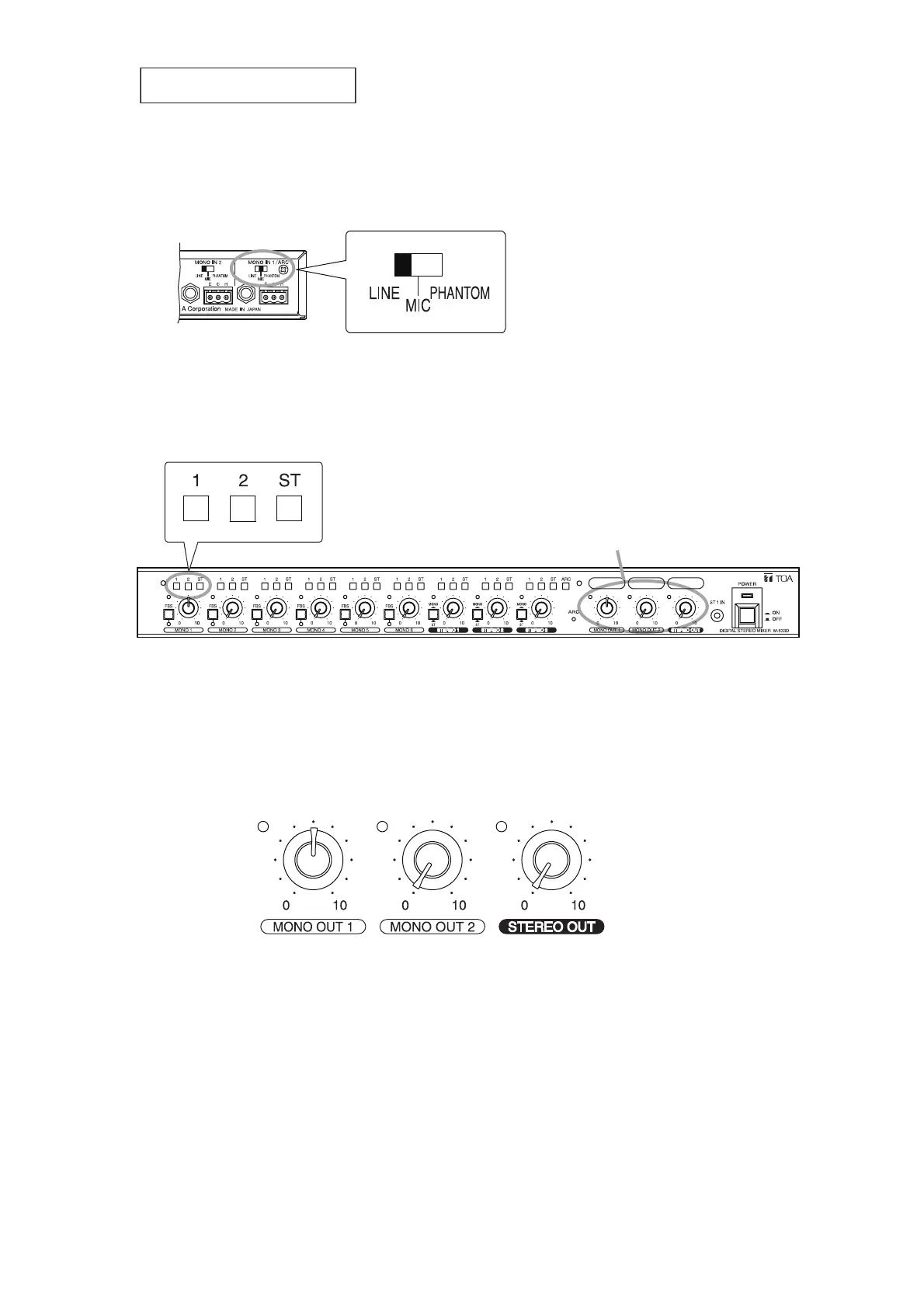
• Check the position of the input sensitivity selector switch on the unit's rear panel.
Try to set the switch to "LINE."
Step 4. Select the output channel.
Press in the MONO 1’s assignment switch corresponding to the output channel to which the
ARC filter is set.
Step 5. Set the output volume level.
5-1. Turn the output level control knob corresponding to the assignment switch selected in Step 4
to the 12 o'clock position. (Setting example of MONO OUT 1)
5-2. Adjust the power amplifier's volume level.
Speaking into the connected measuring microphone, adjust the volume to the level normally
used with the volume control knob of the amplifier connected to the unit.



 To Next Page