10
6.3. Individual Zone Broadcast
6.4. External Equipment Broadcast
1. Connect a cassette deck, CD player or other source equipment to the AUX input jack.
2. Follow the procedures of All-zone broadcast, Group broadcast or Individual zone broadcast to enable broadcast.
3. Operate the connected source equipment to make broadcast.
4. Press the RESET key to terminate the broadcast, then stop the operation of the connected equipment.
Note
When the TALK key is pressed to make a microphone announcement during external equipment broadcast,
both outputs are mixed together.
1.
2.
3.
4.
5.
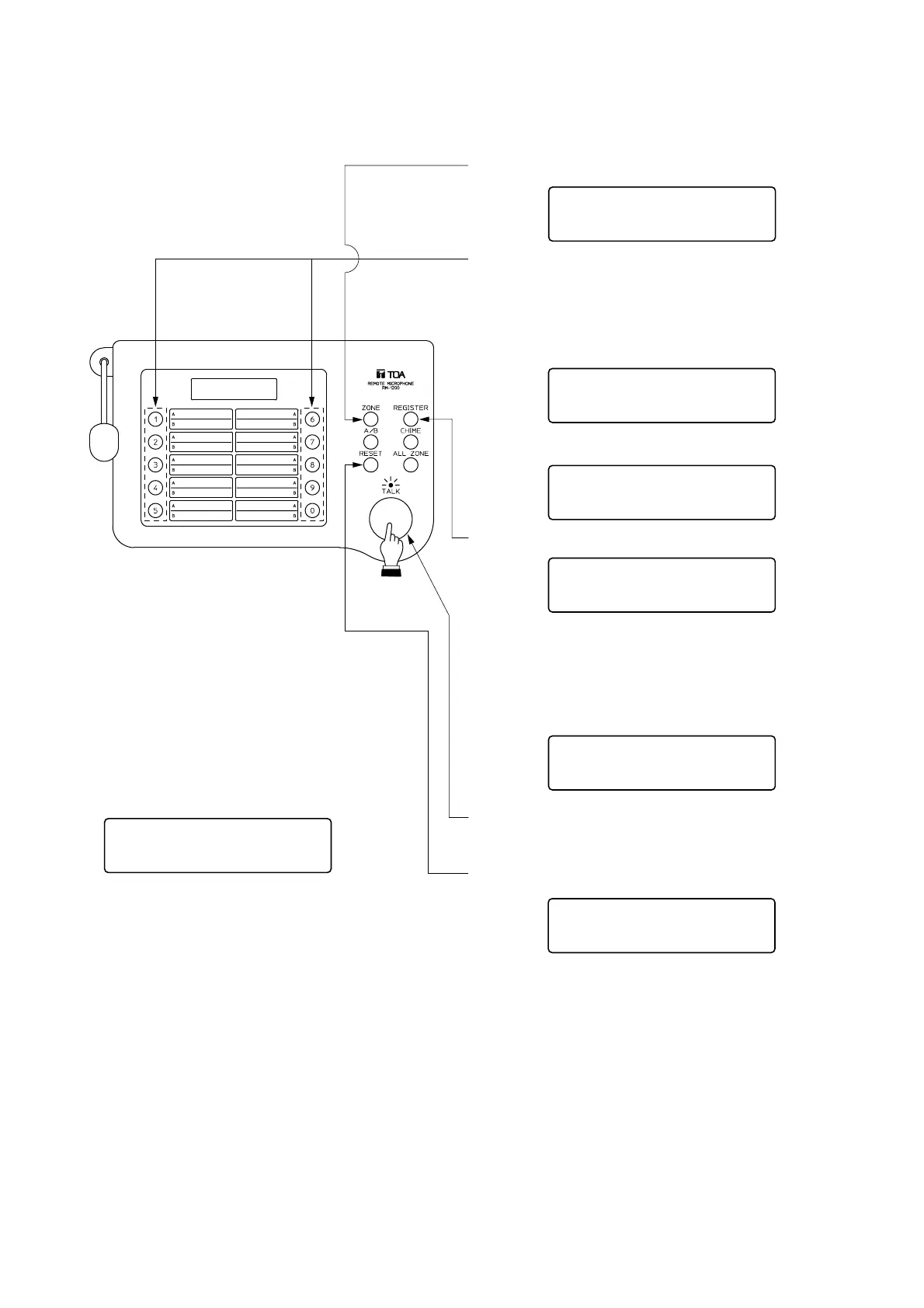
Press the INDIVIDUAL ZONE key.
Press the [1]-[0] (numerical) key to select the
desired speaker line number. To cancel the key
entry, press the RESET key and confirm that the
indication "000" is displayed.
Press the REGISTRATION key.
When selecting multiple speaker lines, repeat
Steps (2) and (3).
<Example>
Pressing [1] [Registration] [8] [Registration] [1] [2]
[Registration] displays the following indication.
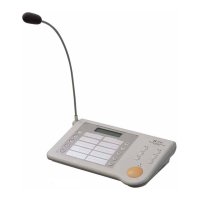
Speak into the microphone while the TALK key
is pressed. (The In-use indicator lights.)
Press the RESET key to terminate the announcement.
000
I
nse 0u00
012 ,
I
nse 0u00
001 008 , 012 ,
,
010
If the [1] key is pressed, this indication is
displayed (Line No. 1).
021
If the [1][2] keys are pressed, this indication is
displayed (Line No. 12).
A
I
nse 0u00
Not Al located
Notes
•
To cancel individual zone broadcast in the
middle of entering the speaker line number,
press the RESET key twice.
•
When the selected speaker line does not
exist, the message "Not Allocated" is
displayed.


 To Next Page