14
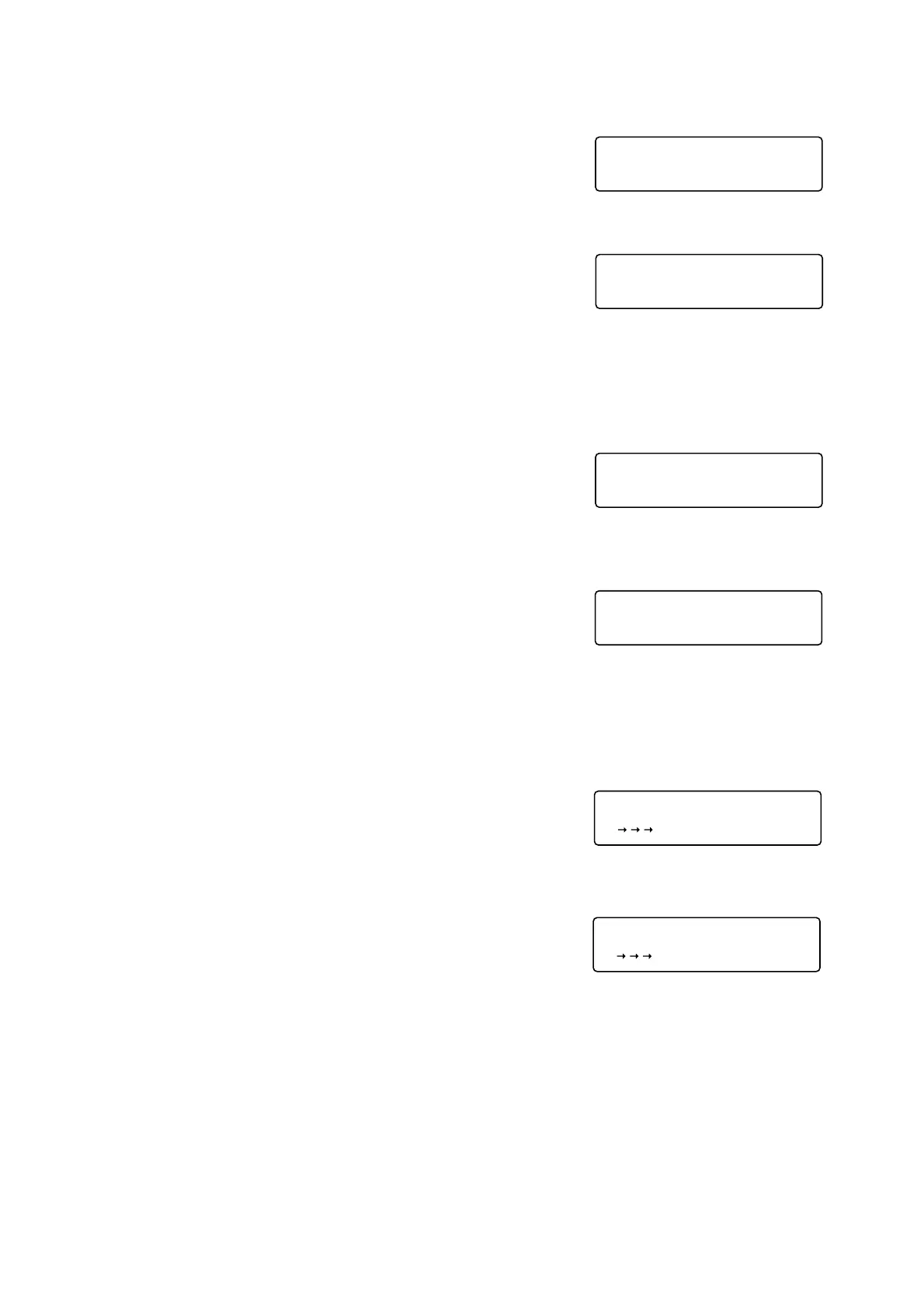
8.3. Usable Group Numbers
Press either the [1] or [2] key to select group numbers used.
Note
If [1. 10] is selected, only up to ten groups of A1-A0 can be used. The
A/B key cannot be used.
Pressing the REGISTRATION key stores the selected group numbers
and displays the Individual Zone screen.
8.4. Individual Zone Broadcast
Press either the [1] or [2] key to set whether or not to disable (ON or
OFF) the Individual Zone Broadcast Function.
Note
If [2. OFF] (disabled) is selected, the INDIVIDUAL ZONE key cannot
be used.
Pressing the REGISTRATION key stores the setting and displays the
Chime type screen.
8.5. Chime Tone Type
Using the [1]-[5] keys, select the chime tone type to be played.
[1]: 4-tone chime
[2]: Two-tone chime
[3]: Single-tone chime
[4]: Gong
[5]: External chime
Note
The external chime refers to a chime component installed in
equipment connected to the RM-1200. Selecting [5. External Chime]
disables the Auto Chime Function.
Pressing the REGISTRATION key stores the selected chime tone
type and displays the Auto Chime screen.
displayed.


 To Next Page