13
8. INITIAL SETTING
Set the following items.
Factory-preset setting
• Address ................................................. 0
• Usable group numbers .......................... 2 (20 groups)
• Individual zone broadcast ...................... 1 (ON)
• Chime tone type .................................... 1 (4-note chime)
• Auto chime mode ................................... 0 (Off/disabled)
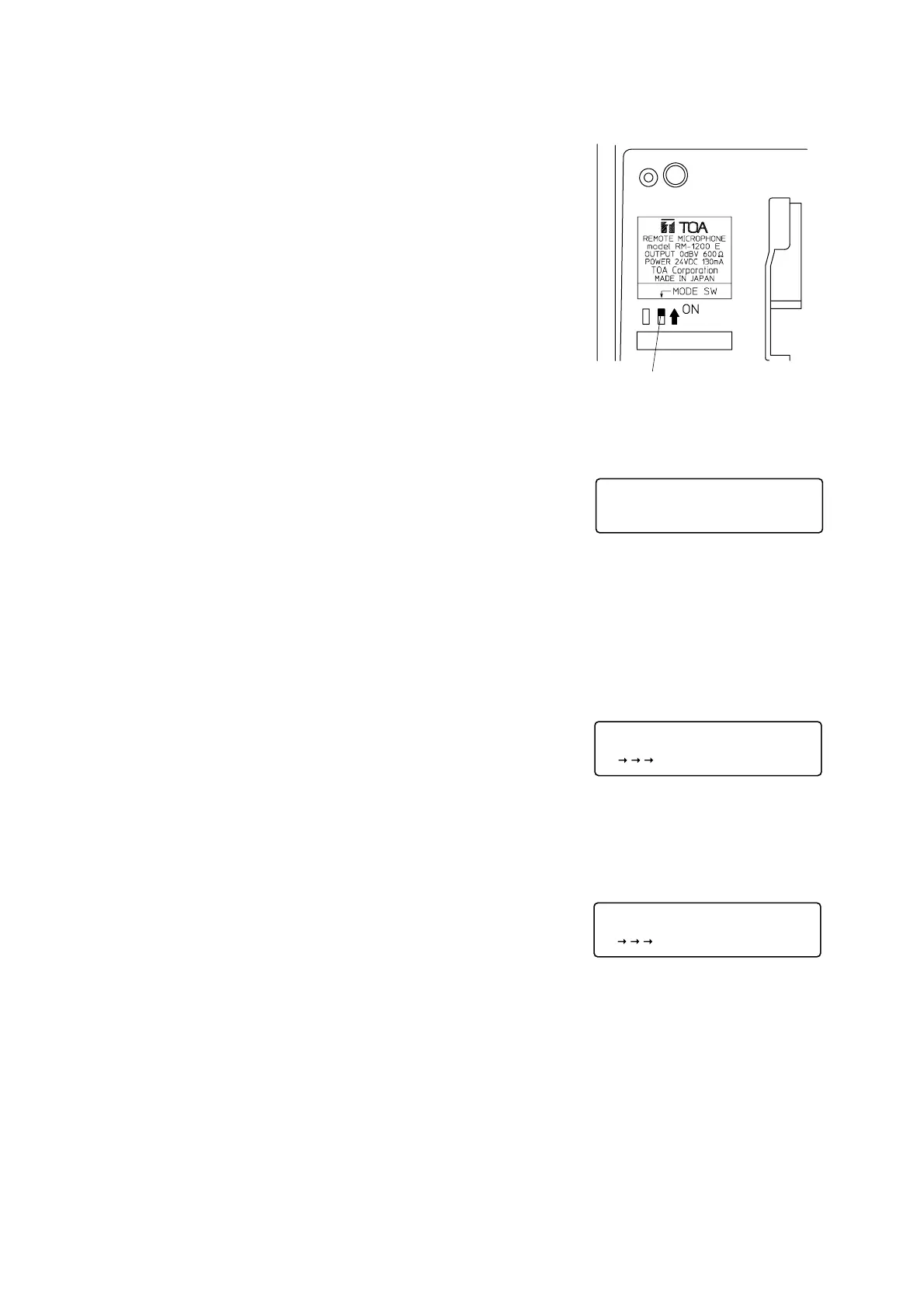
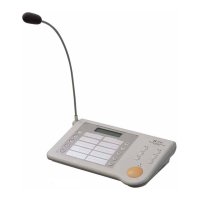
Placing the RM-1200's bottom-located Setting Mode Switch in the ON
position displays the Initial Setup screen.
8.1. Initial Setup
Pressing the [1] key and then the REGISTRATION key displays the
Address Setup screen.
Pressing the [2] key and then the REGISTRATION key produces
factory-preset data, and displays the message "Store?" (refer to p. 15
"8.7. Set Data Registration") on the screen.
8.2. Address
Be sure to set the address for "0" when using only one RM-1200 unit.
Up to eight RM-1200 units can be connected. Assign the address of
0-7 consecutively to each unit starting from "0". Take care not to
assign the same address to two or more units.
Using the numerical key, set the address of 0-7.
Press the REGISTRATION key, and the Group screen will be
displayed.
displayed.


 To Next Page