7
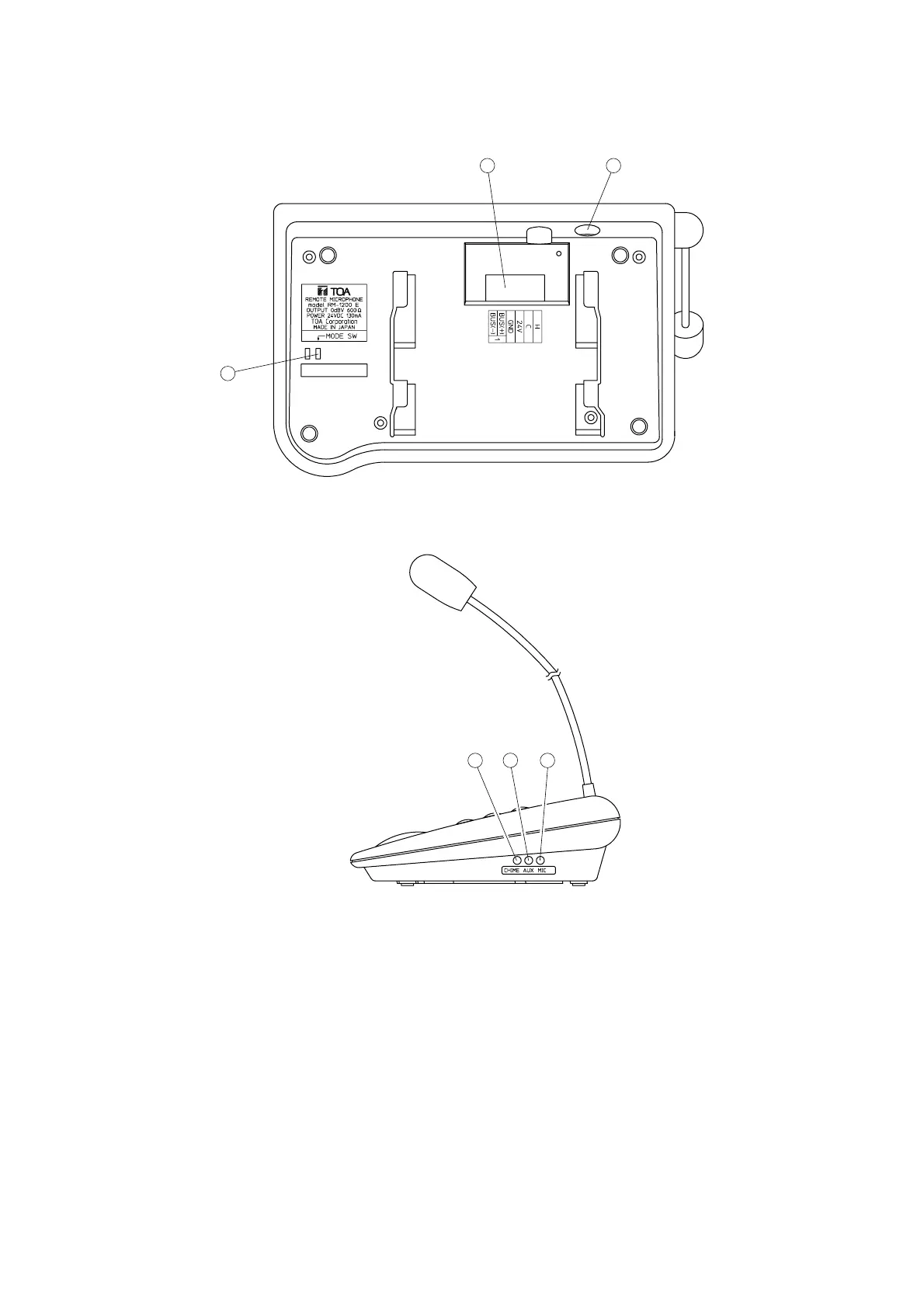
13. Mode switch
Setting this switch to the ON position places unit
in the setting mode. Set this switch to the OFF
position after setting completion.
14. Connection terminal
Connect cables from the main rack to this
terminal. Refer to the section "7.
CONNECTIONS" on p. 11 for details.
15. AUX input jack (–20 dBV/100 kΩ)
Connect a cassette deck or CD player. Note
microphones cannot be connected.
16. Chime volume control
Adjusts the chime volume. Refer to the section
"9. VOLUME LEVEL ADJUSTMENT" on p. 16.
17. AUX input volume control
Adjusts the AUX input volume. Refer to the
section "9. VOLUME LEVEL ADJUSTMENT" on
p. 16.
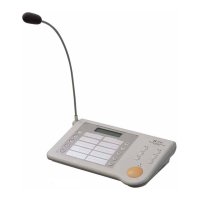
18. Microphone volume control
Adjusts the microphone volume. Refer to the
section "9. VOLUME LEVEL ADJUSTMENT" on
p. 16.
[Bottom Panel]
[Side Panel]


 To Next Page