8
6. OPERATIONS
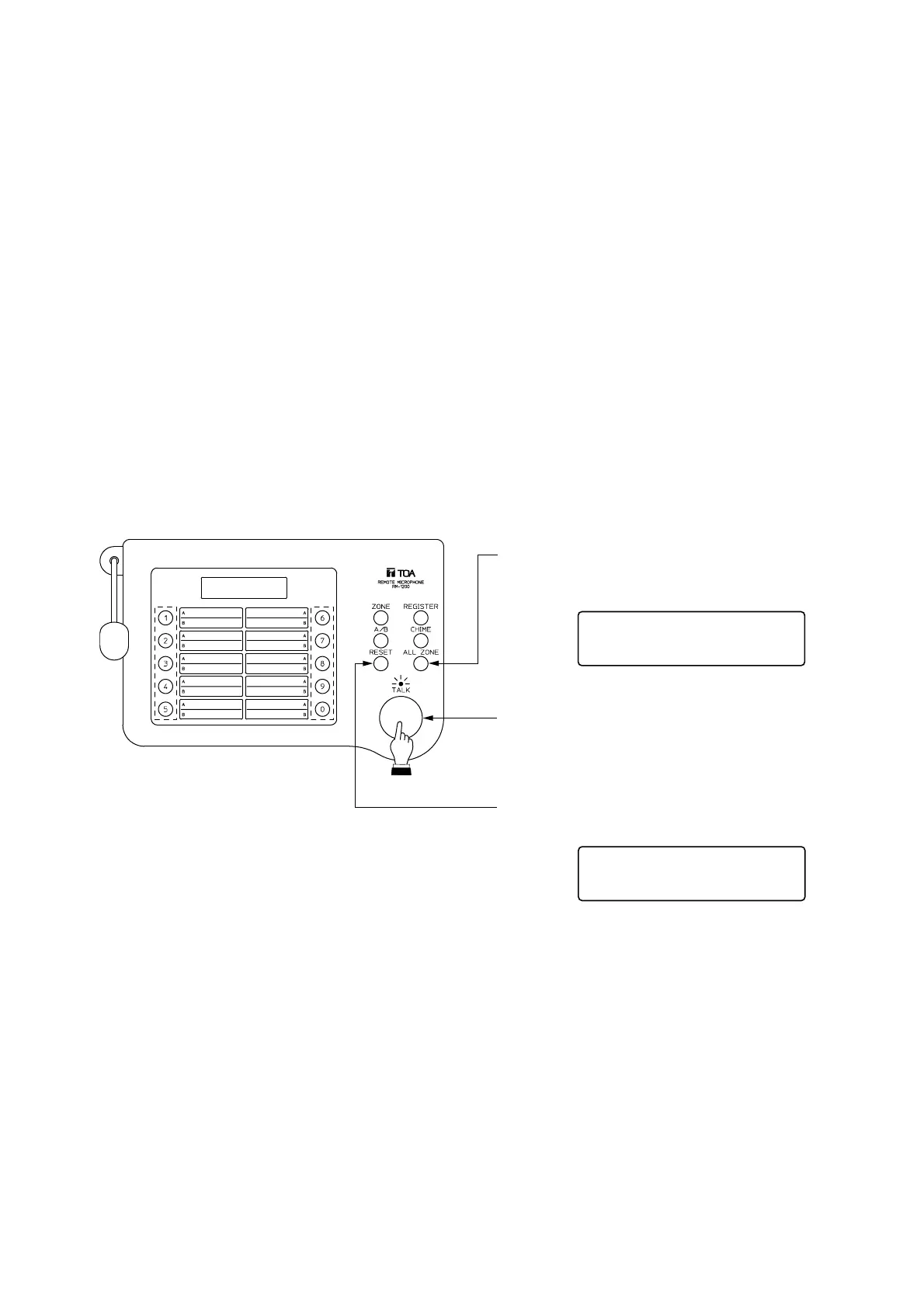
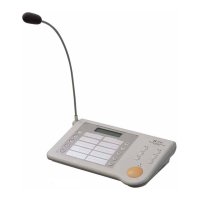
• The TALK key turns on when pressed, and turns off when released.
• When the message "Other in use" is displayed on your remote control unit, if other message "In use" does
not appear even though you press the ALL ZONE, [1]-[0] or INDIVIDUAL ZONE key, this means the
equipment with higher priority is in use. Your unit cannot be used. Priority order is set at the main rack.
• When the unit is set for [Auto chime 1-4] in the initial setting, a chime is automatically sounded whenever the
TALK key is turned on and off.
• When the unit is set for [Auto chime 0] in the initial setting, press the CHIME key before and after
announcement if it is desirable to sound a chime.
• The In-use indicator flashes during internal chime play.
• For initial settings, refer to p. 13.
6.1. All-zone Broadcast
1.
2.
3.
Press the ALL-ZONE key.
key.
the TALK key. (The In-use indicator lights.)
announcement.


 To Next Page