Ⅲ. Web UI
The device WIFI can be used as a hotspot, and a PC, smartphone or tablet can be
connected to the hotspot. After connecting to the hotspot, you can manage the
working status, change the working mode, configure basic settings, download raw
data, update firmware and register devices, etc.
Take the interface of your PC as an example, enter the Web UI, and perform the
following operations:
1. Use the computer to find the WIFI hotspot of the device. Hotspot name:
device serial number, default password is empty.
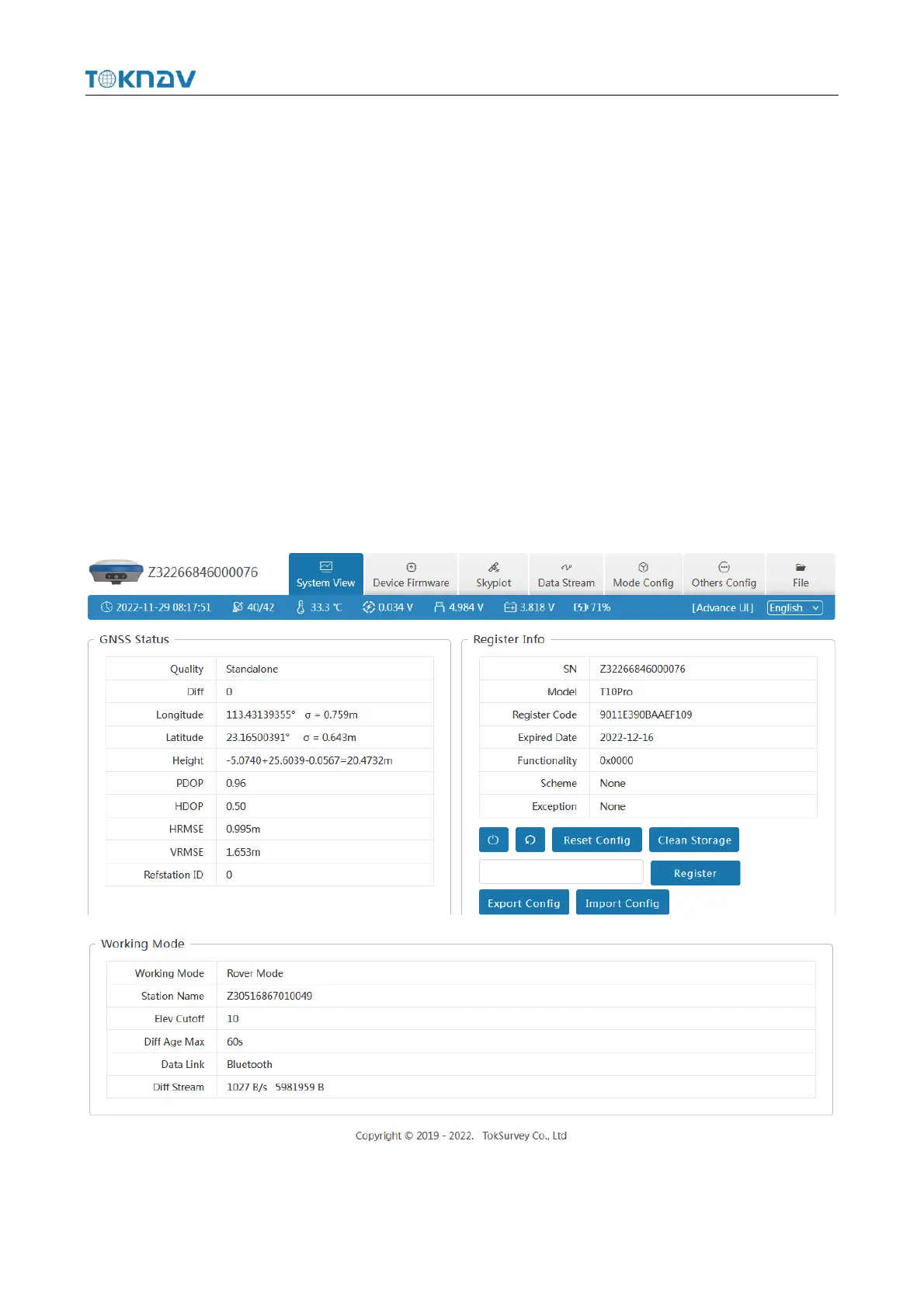
2. Open a web browser and enter the IP address 10.10.10.10. The following
interface displays:
Meaning of icons arranged horizontally above the interface:



 To Next Page