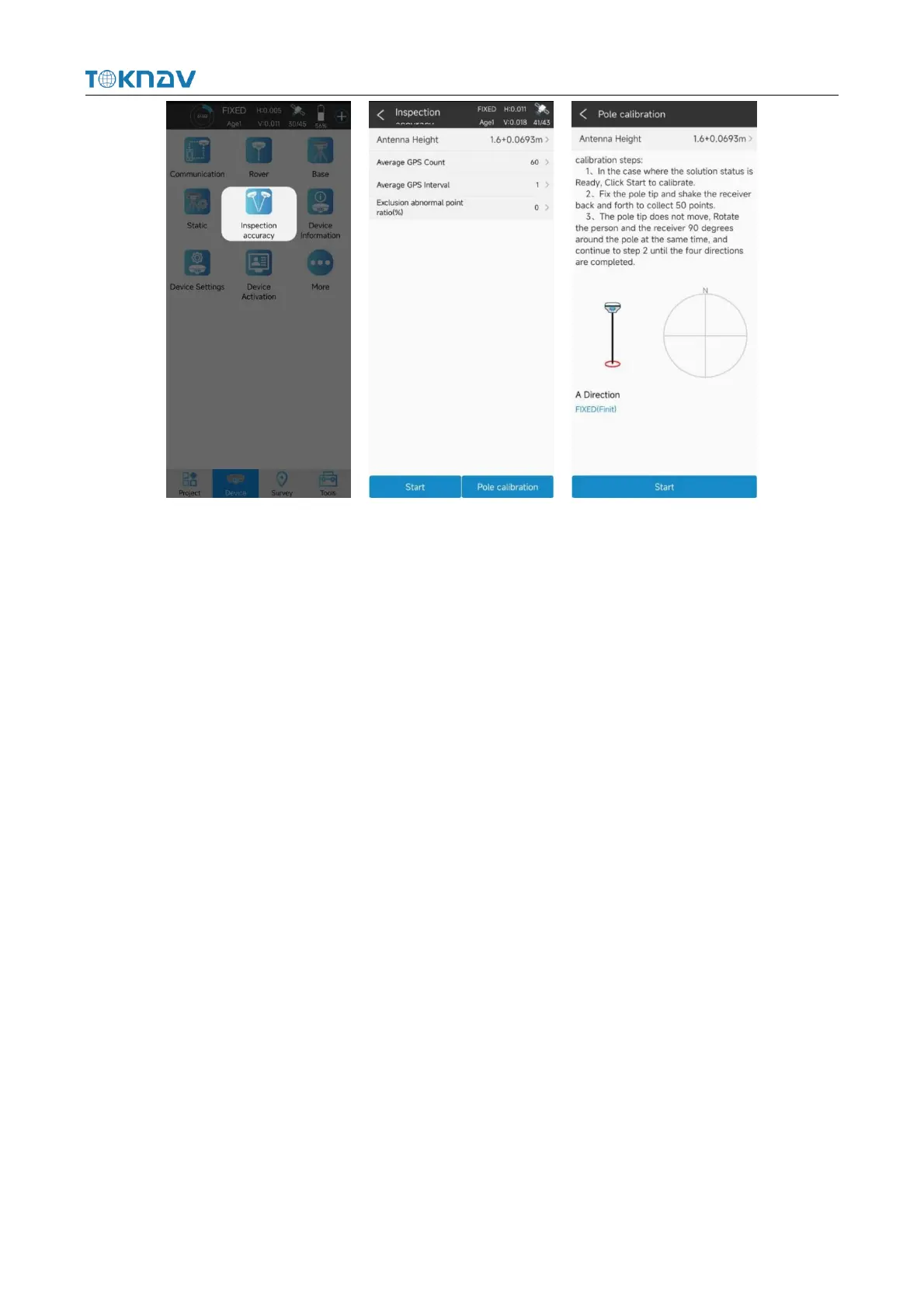
Precautions:
1. When the tilt survey is started, sometimes with the movement and rotation, the
tilt icon will change from green to red. At this time, the centering rod needs to shake
according to the prompt, and the sampling can be carried out until the icon turns green;
2. In the process of inclination survey, if the inclination is greater than 60°, it will
indicate that the inclination is too large, and the accuracy of the collected points can
not be guaranteed within 2cm;
3. To calibrate the centering rod, set the antenna height parameter first, otherwise
the calibration data will be wrong;
4. Initialization of tilt survey can be completed only when it is in fixed solution
state.
4.12 Device Activation
Operation: Device → Device Activation
After the device bluetooth connection is successful, you need to confirm whether
the device registration code is valid. If it has expired, you need to register.Click
"Device"→"Device Activation" to query the valid time of the device registration code.
If it has expired, you need to input or scan the new device registration code.



 To Next Page