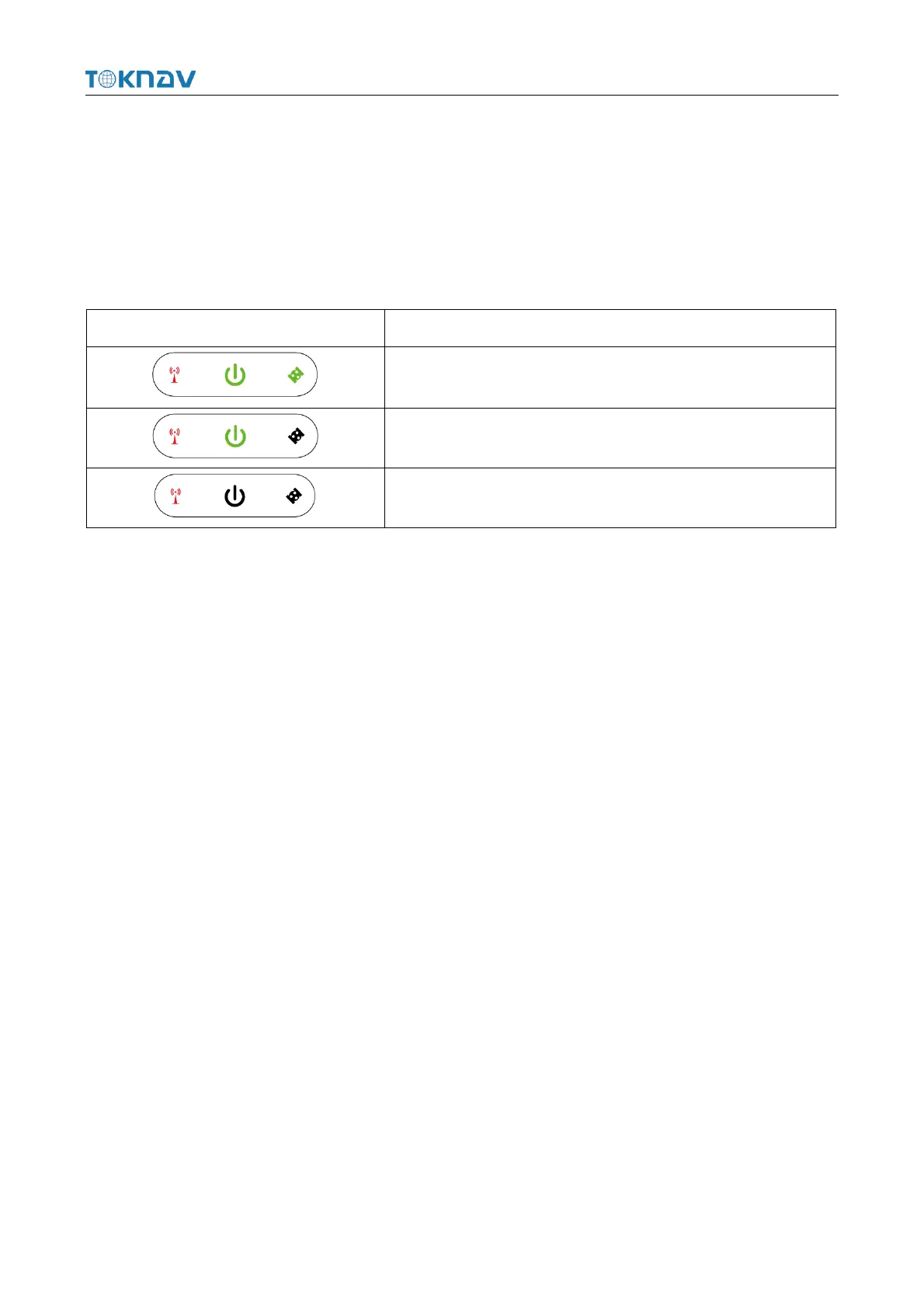
2.2 Battery Indicator
Press the power key shortly when the device is off, through the Indicator light,
you can know the battery level:
2.3 Power On And Off
Power on: Press and hold the power button for 3 seconds until the buzzer "beeps".
Release the button, the device starts to power on, and the panel light flashes. The
device will not start until the buzzer emits a "beep" for 3 times.
Shutdown: Press and hold the power button for 3 seconds until the buzzer
"beeps". Release the button and the device starts to shut down. The unit will power off
until all panel lights go out.
Forced shutdown: In case of unexpected failure, press and hold the power button
for 10 seconds, and the device will automatically shut down.



 To Next Page