TokNav InformationTechnology CO., LTD.
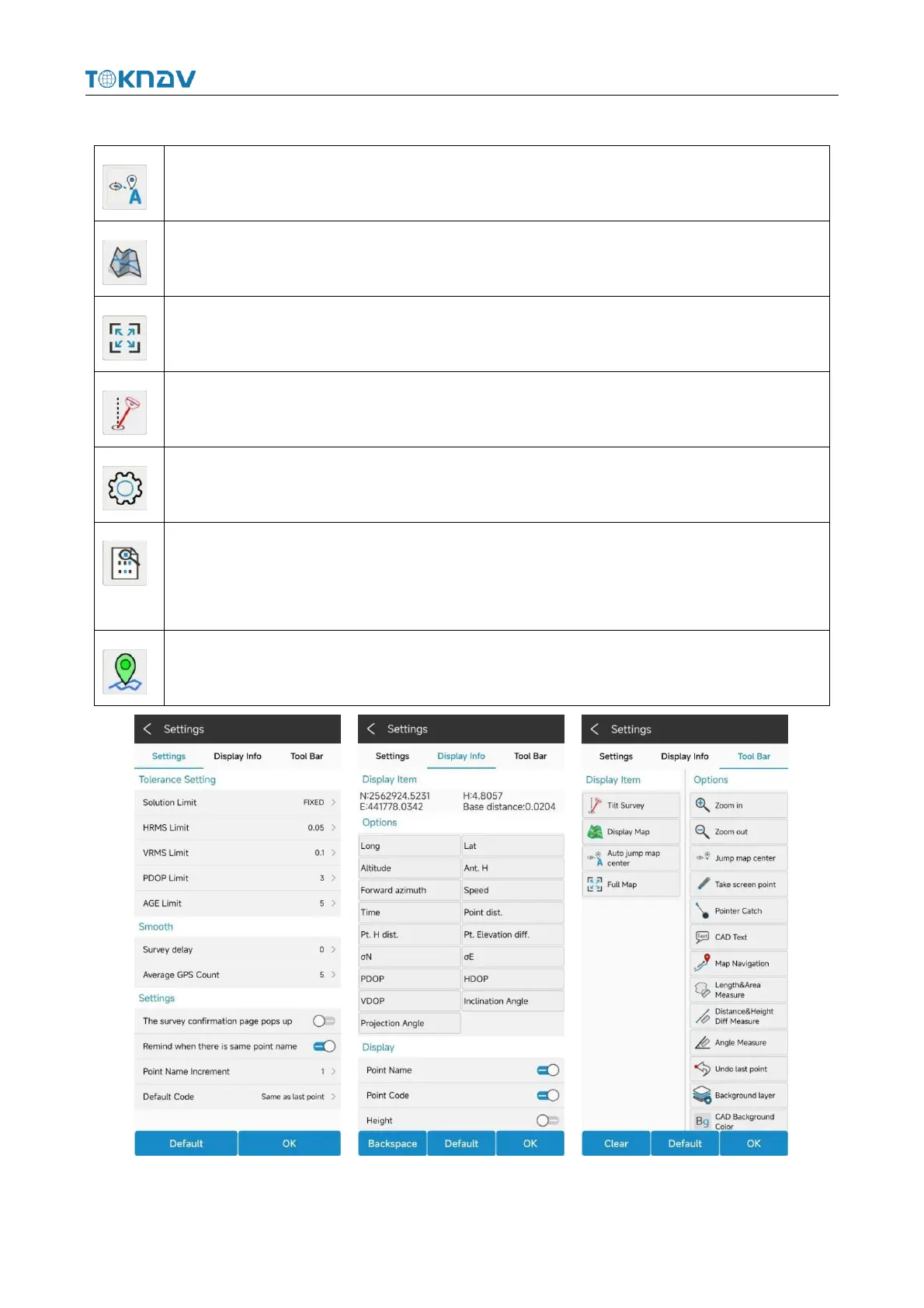
Each icon in the point survey page has the following meaning:
Click this icon to automatically center the current anchor point.
Click the icon to display the network map.
Click this icon to display all survey points in the view.
Click this icon to turn tilt survey on or off.
Click the icon to set acquisition parameters, information display and function menu.
Click this icon to view the coordinate point library of the current project and the
collected point coordinates, which are the same as the function of "coordinate point
library" in "project ".
Click the icon to collect point, line, surface and other data.
Picture Settings Picture Display Info Picture Tool Bar



 To Next Page