Advanced Lane Guidance10.
23
Advanced Lane Guidance
Advanced Lane Guidance
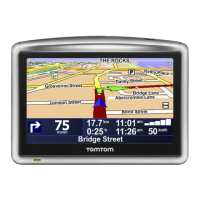
Your Blue&Me-TomTom helps you prepare for motorway exits and junctions
by showing you which lane you should be in.
Note: This information is not available for all junctions or in all countries.
For some exits and junctions, an image shows the lane you should be in. To
turn the images off, clear the checkbox for Show lane images in the Advanced
preferences in the Preferences menu.
For other exits and junctions, your Blue&Me-TomTom shows the lane you
should take in the status bar. To turn this guidance off, tap Change prefer-
ences in the Main Menu, then tap Status bar preferences. Clear the checkbox
for Show lane guidance.



 To Next Page
 Loading...