@ToolkitRC 2021
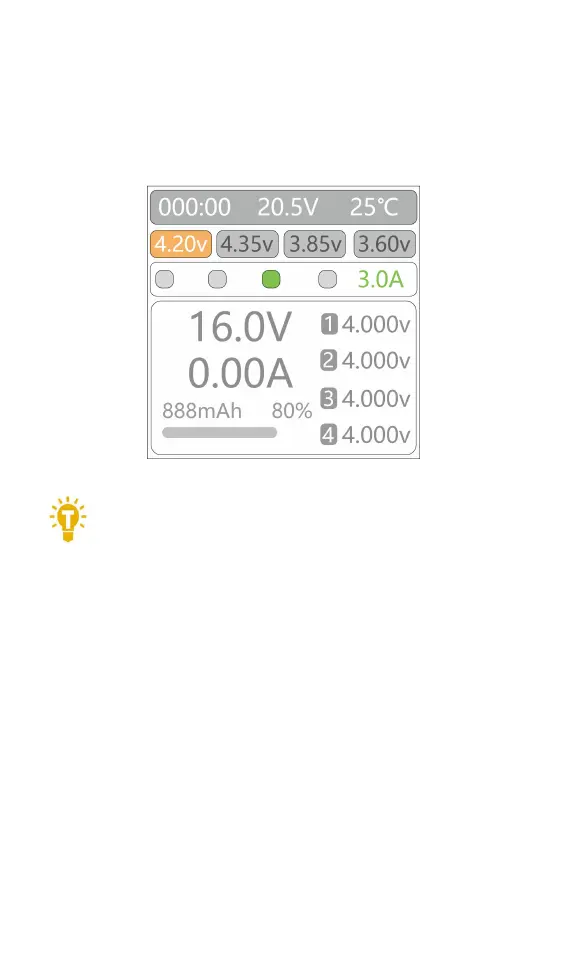
2,Current setting
Short press [Voltage/Current] key to select the
charging current, the current can be selected from 4
values, 1.0A, 2.0A, 3.0A, 5.0A. The display is as follows.
===================================
Tips:
When selecting the current, it is
recommended to use a charging rate of 1C-2C. For
example: 1000mAh battery, use 1.0A-2.0A for charging;
This effectively improves the cycle life of the battery.
Always check the battery manufacturers guidelines and
charging instructions before charging.
===================================



 To Next Page