@ToolkitRC 2021
Charging settings
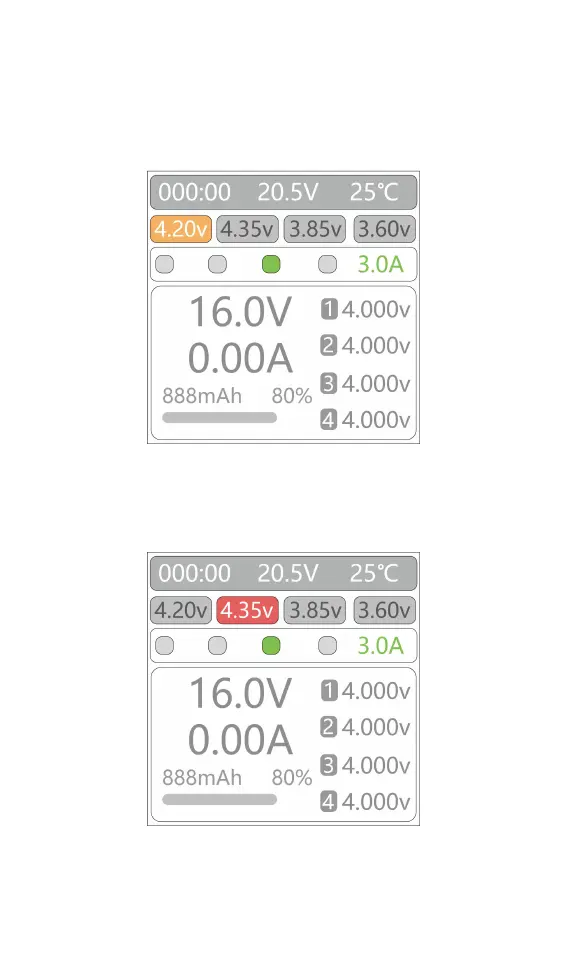
After the power is turned on and the charger unlocked,
the screen will display the following.
1,Battery type setting
Long press [Voltage/Current] key to select battery
cut-off voltage (battery type), displayed as follows.
Different battery chemistries have different cutoff
voltages. Please refer to the following table as reference,



 To Next Page