@ToolkitRC 2021
Quick start
1,Connect the M4 Pocket to a suitable DC 7.0-25.0V to
power outlet.
2,The display shows the boot logo for 2 seconds.
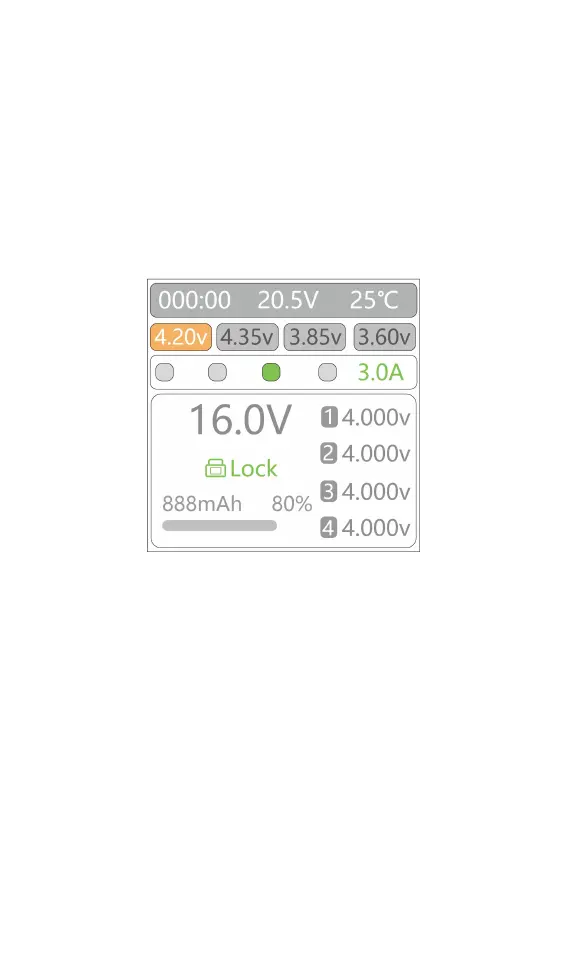
3,After booting up, the screen enters the main
interface as shown below:
4,Short press [Voltage/Current] key to unlock the
system and start adjusting parameters.
5,Long press [Voltage/Current] key to set the charging
cut-off voltage.
6,Short press [Voltage/Current] key to select the
charging current.
7,When the output main port and the balance port
voltage match, the M4 pocket will automatically start
charging.



 To Next Page