@ToolkiRC 2022
-.---v : No battery connected
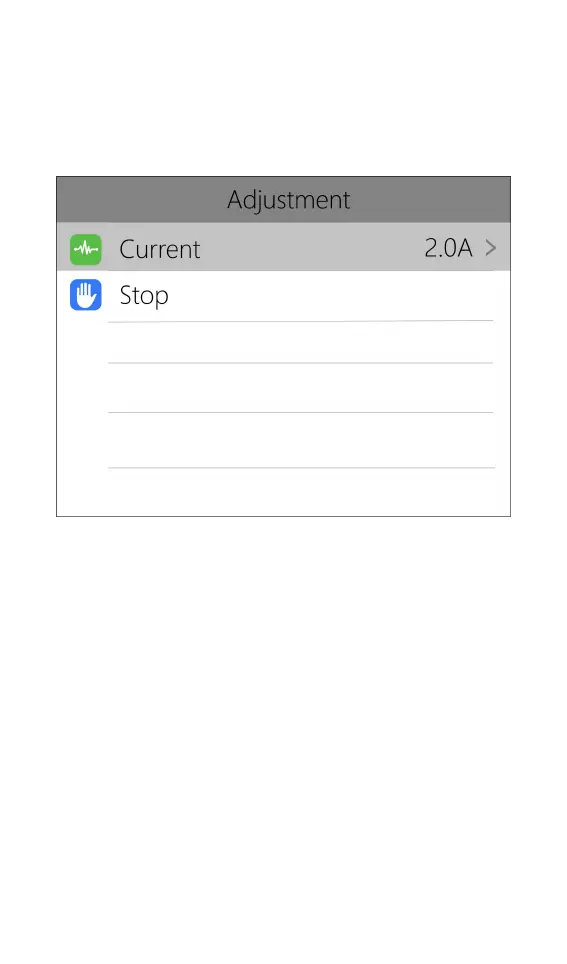
Short press [OK] to dynamically set the charge
current or stop charging. As shown below:
To end the charge and discharge process, short
press [OK], move the cursor to [Stop], short press [OK],
stop charging and return to the main interface.
When charging is complete or a charge error
occurs, a popup will appear along with an audible tone.
Scroll [Scroll Wheel] to switch to the second page,
which shows the internal resistance information. As
shown below:



 To Next Page