109
18. SURFACE AREA CALCULATION
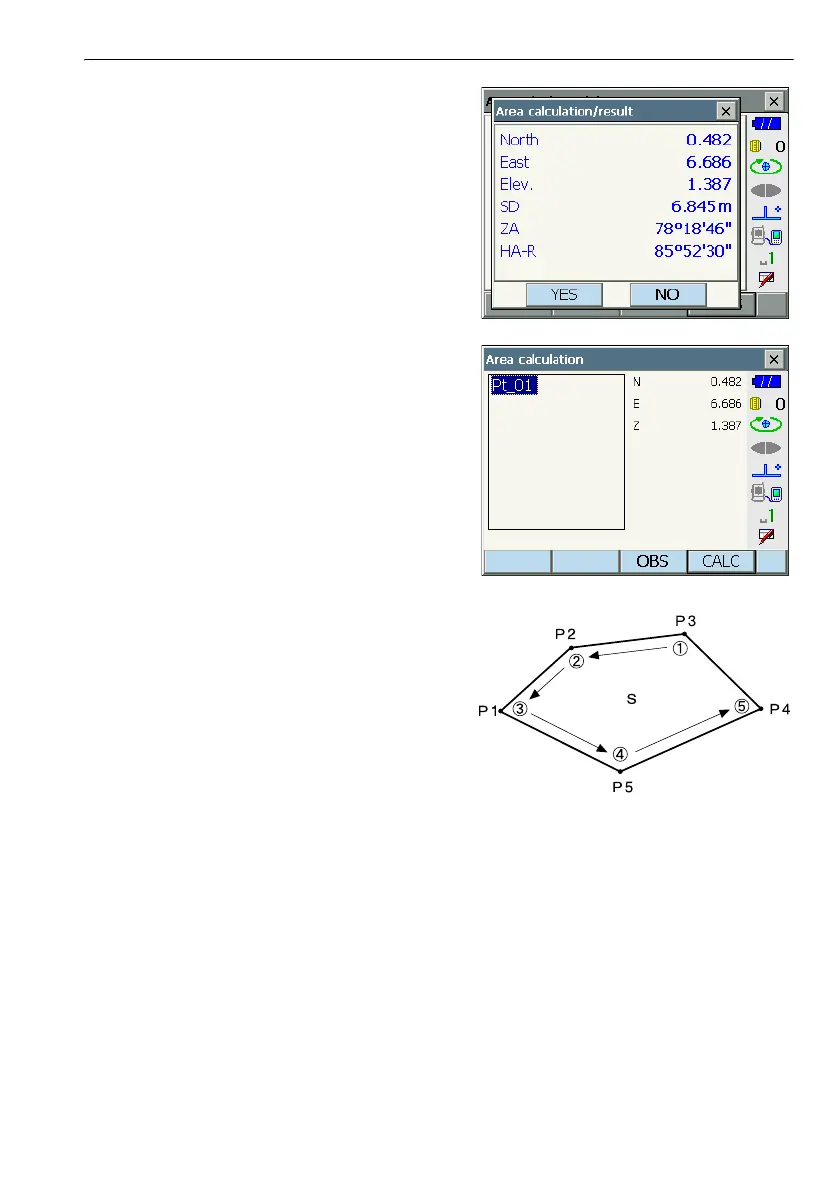
3. The measurement results are displayed. Press
[YES] to confirm.The value of point 1 is set in
"Pt_01".
4. Repeat steps 2 to 3 until all points have been
measured. Points on an enclosed area are
observed in a clockwise or counterclockwise
direction.
For example, the area specified by entering point
numbers 1, 2, 3, 4, 5 or 5, 4, 3, 2, 1 implies the
same shape.



 To Next Page