Configuration
Topcon HiPer GD and HiPer GGD Operator’s Manual
2-36
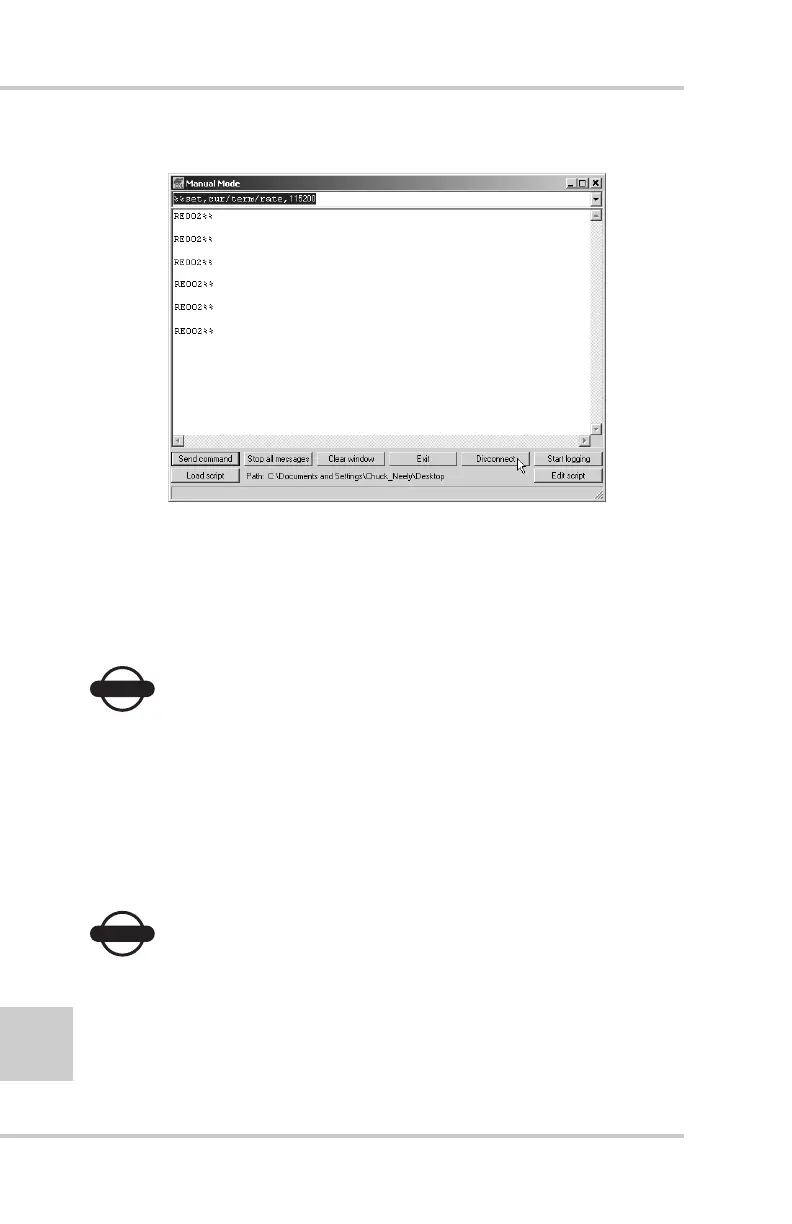
Figure 2-35. Manual Mode Command Responses
20. Click Disconnect (Figure 2-35). Continue with other
configuration or operation functions as needed.
Configuring a GSM Radio Modem
NOTICE
NOTICE
To comply with RF exposure requirements, maintain at
least 20cm between the user and the GSM radio modem.
To access your GSM radio modem, you will need to use
Topcon’s FC-1000 external controller and TopSURV™. Refer
to the TopSURV Reference Manual or the TopSURV User’s
Manual for more detailed configuration information.
NOTICE
NOTICE
Configuration parameters are similar regardless of the
software used for configuring a GSM modem.



 To Next Page