29
Setting automatic grade using the alignment target
How to set slope
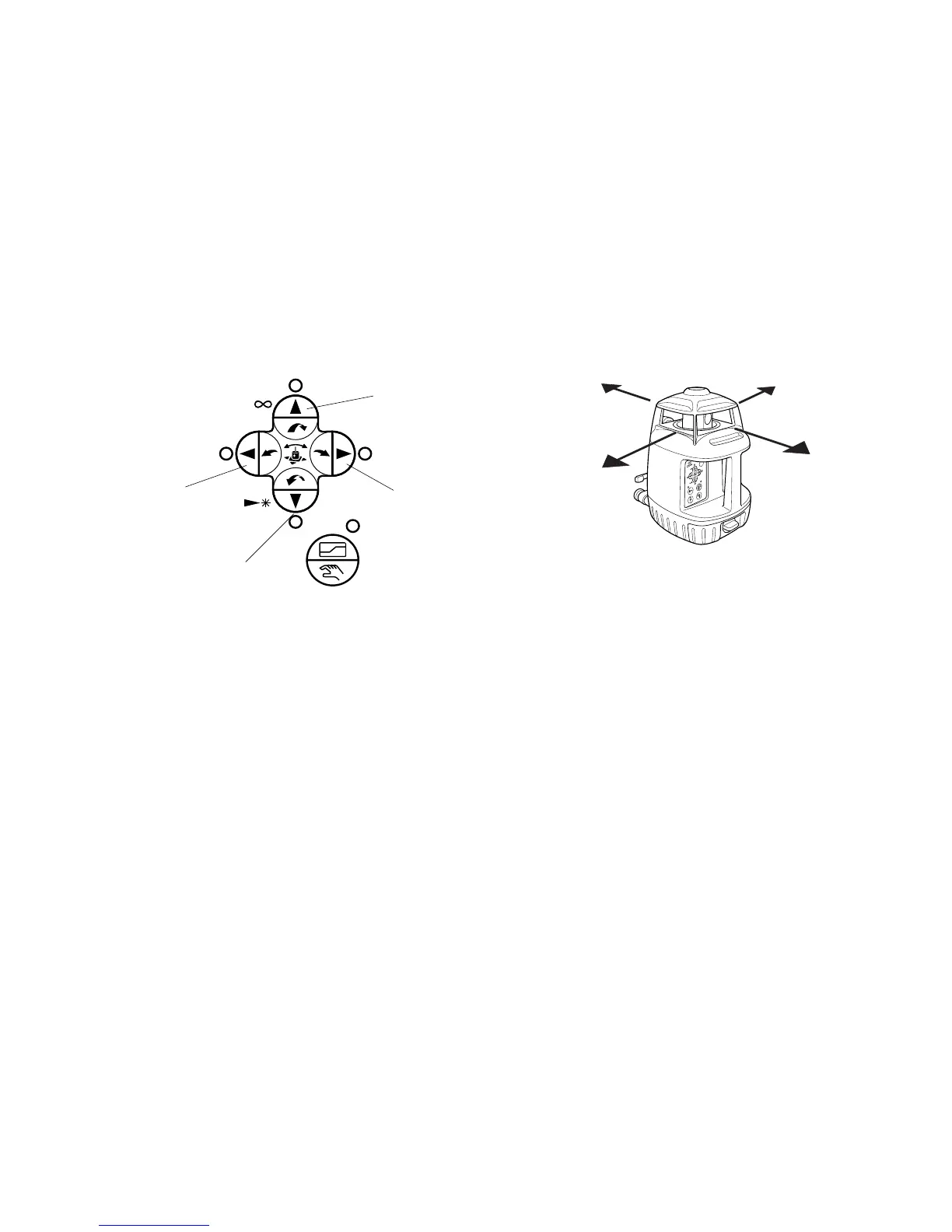
Single axis setting
1 Turn the instrument on by pressing the power control pad. Auto-leveling will start.
2 Press the Auto/manual grading pad after auto-leveling is complete. The green Auto/man-
ual Grade LED will light and the 4 red of arrow key LEDs will flash.
3 Press one of the arrow keys to set a slope in one of the directions shown above.
The arrow LED of the direction selected will stop flashing and the laser will start scanning
in that direction.
*To change to another direction, press another arrow button after several seconds.
Grade setting direction
Arrow keys
Auto/manual grade
X1
X2
Y2
Y1
X1
X2
Y2
Y1



 To Next Page