30
For Dual axes setting
Press another arrow key for the second direction in less than 4 seconds after pressing the
key for the first direction. (before the laser starts scanning in the first direction, The key
LED for the second direction selected will stop flashing). The laser beam will pre-scan in
each direction to show the directions set.
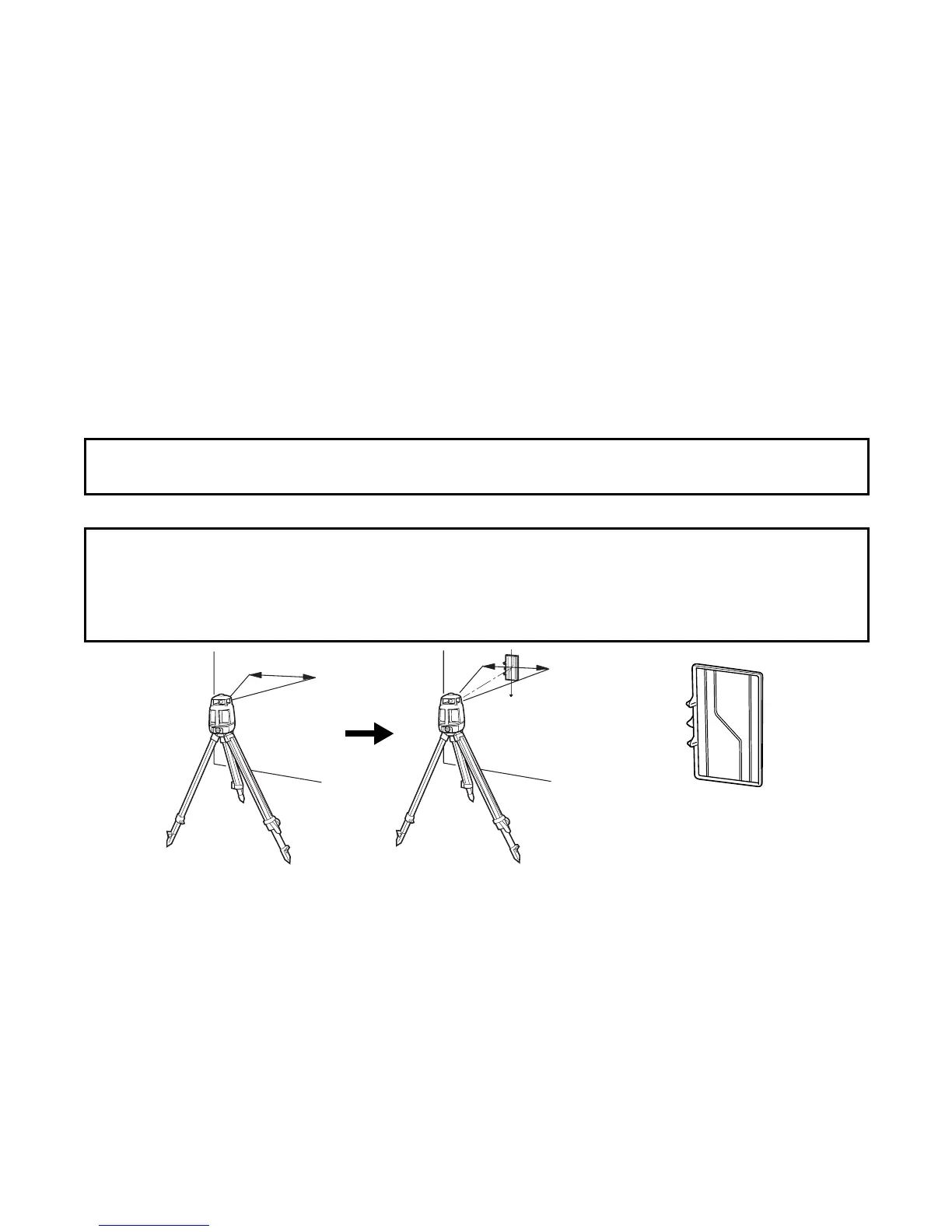
4 Place the alignment target into the scanning beam.
Note: If an arrow key for a second direction is pressed more than 4 seconds after the first, it won't
be possible to set up a dual axis slope. The laser will return to single slope.
Note:
1) The alignment target must be in the correct orientation. Top and bottom is marked on the
back of the target.
2) For improved slope accuracy, place the alignment target in the center of the scanning
width.
Place the alignment target in the scanning beam.
The direction of align-
ment target



 To Next Page