50
5 Turn the unit on again and allow auto-leveling to
complete.
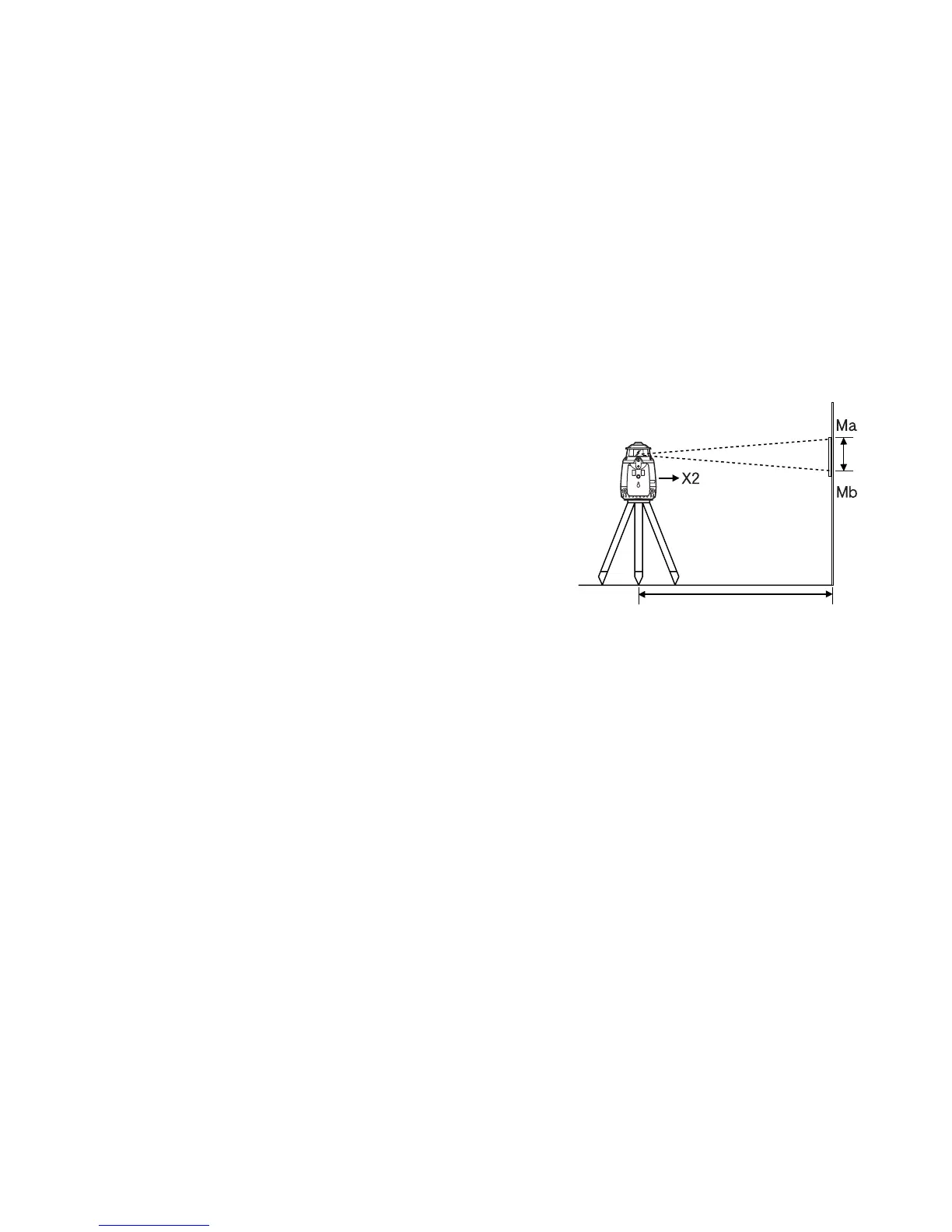
6 Make a new mark (Mb) where the laser beam
strikes the paper.
7 Measure the distance between the first mark (Ma)
and the second mark (Mb). No calibration is neces-
sary if distance is within 5mm (0.2 inches).
8 Repeat procedure for the Y axis.
(2) Adjusting Calibration
If the distance between either set of marks is more than 5mm (0.2inches), turn the unit off by
pressing the [START] pad once and using the following procedure. Confirm that unit has shut
off before beginning the procedure.
(In step 2 and 3, use of optional RC-30 remote control can be helpful. See page 64 .)
1 While pressing the [ENTER] key, press the [START] key. This activates the X axis calibra-
tion mode. Confirm that the [X] LED is lit.
Repeat Checking calibration steps 1 to 6 without turning the instrument off in the
checking calibration step 3.
50m (160feet)
X1 laser beam
X2 laser beam
If less than 5mm( 0.2 inches)
No calibration Necessary



 To Next Page