5 Every Day Use
5.4 Using time-shift 35
You can make a timer recording on the electronic programme
guide. See §7.1.3 for detailed description.
5.4 Using time-shift
You can pause and resume a live television programme, and
even rewind and replay it. When you are watching a pro-
gramme and you miss something, you can rewind and replay
it. Or when your attention is needed elsewhere, you can pause
a live TV and resume a short time later without losing any of
the programme.
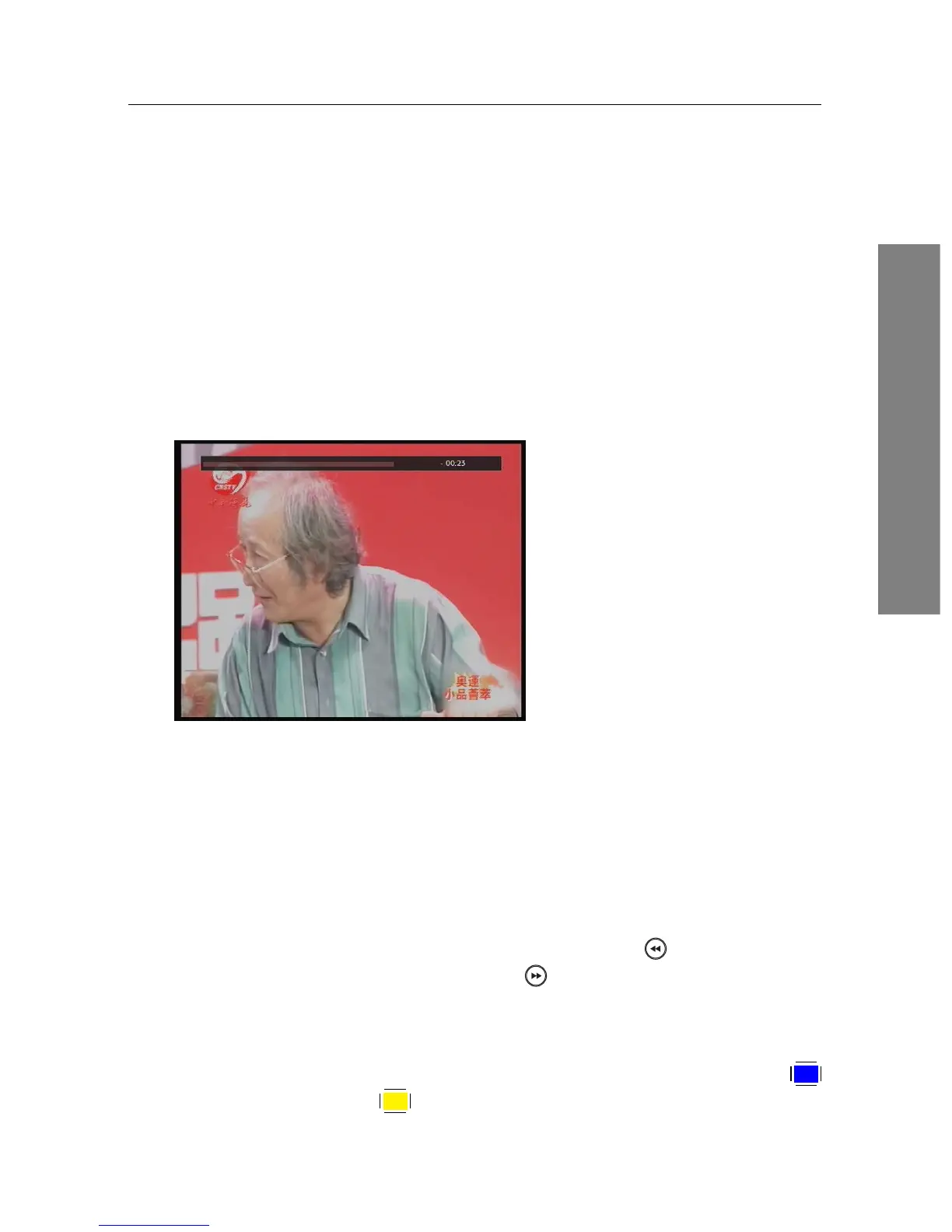
When you do this, you are no
longer watching the live pro-
gramme, instead you are watch-
ing a delayed presentation. This
is called time-shifted television.
You can skip commercials until
you catch up to the live broad-
cast.
In order to use the time-shift feature, set the Time Shifting op-
tion to desired duration of time. Then the digital receiver will
archive the programme as much time as you set in the option.
See §4.4.
The time-shift will be reset each time you change to another
service. With the time-shift, the following operations are pos-
sible:
• To go back in time, hold down the button; to go for-
ward, hold down the button. The progress bar is dis-
played momentarily with a preview window.
• You can navigate using the progress bar, refer to §7.3.1.
• You can jump backward and forward by pressing the
F4
and
F3 buttons. You can change the jump time at the















 To Next Page