70 Accessing via Network
9.2.2 For a wireless connection
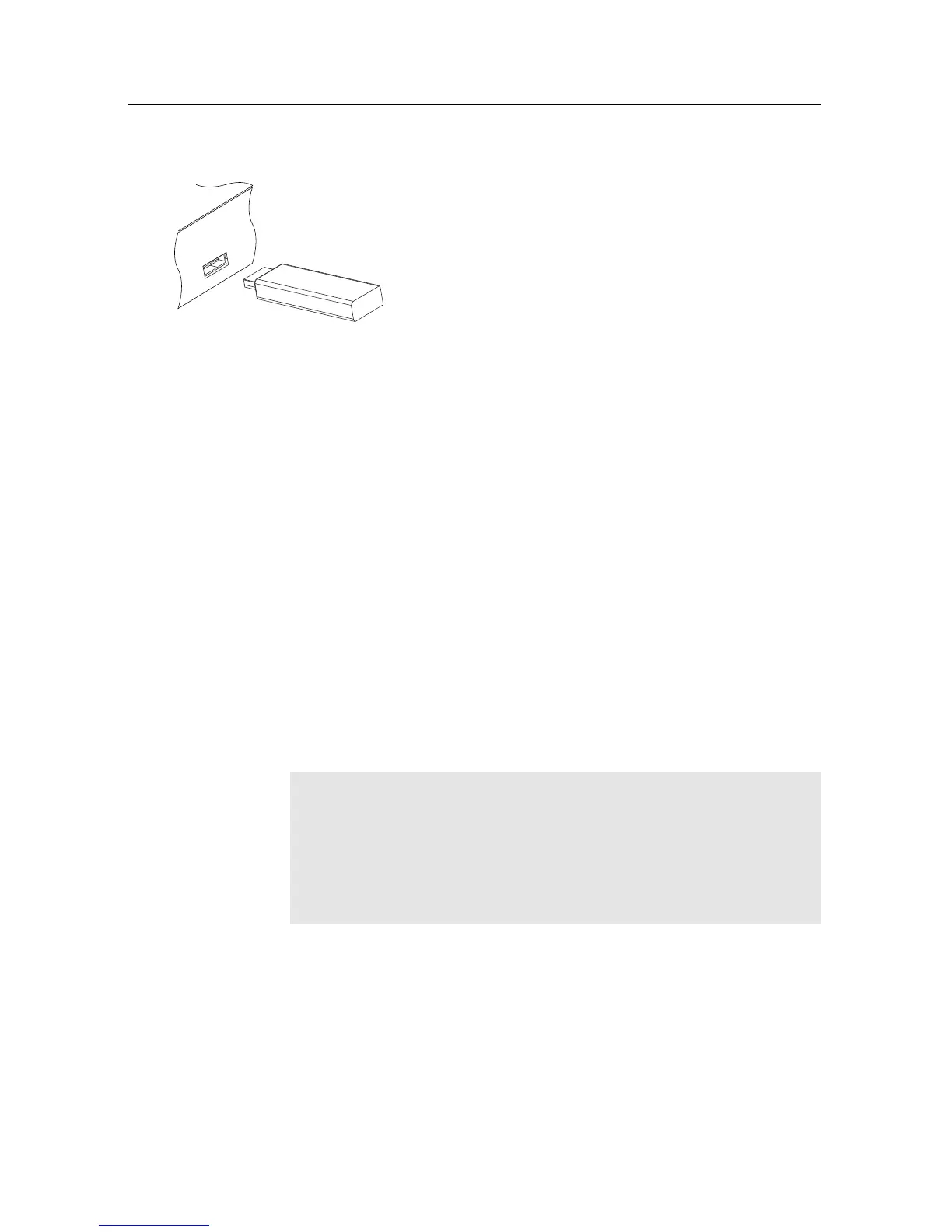
1. Connect the USB wireless dongle to the USB
port on the PVR.
2. Press Installation > Network Setting > IP
Setting.
3. Select Wired/Wireless LAN. Then select
Wireless as the preferred connection.
4. Select AP list and press OK. A list of available networks
will be shown, then select your personal network.
5. Once network is selected choose the security mode
WPA / WPA2 / WEP. Select your WPA / WPA2 / WEP
algorithm according to your router setting.
6. Entre the pre-shared key which is also known as your
network password. Network password must be exactly
the same as your router setting including Upper/Lower
case and any numbers used.
7. A successful connection will populate all the IP settings
and the Level/Quality bars on the TV screen will show
a high percentage level. If the fields are not populated
check the password and any security settings.
NOTE
After selecting activate please allow up to 5 seconds for fields
to populate. Most routers can be accessed via a web browser.
Refer to your Router user guide on how to access router set-
ting.
9.3 Accessing the web server
To Access to the web server, set the Installation > Network Set-
ting > Web Server option to Enable.















 To Next Page