46 Recording and Playback
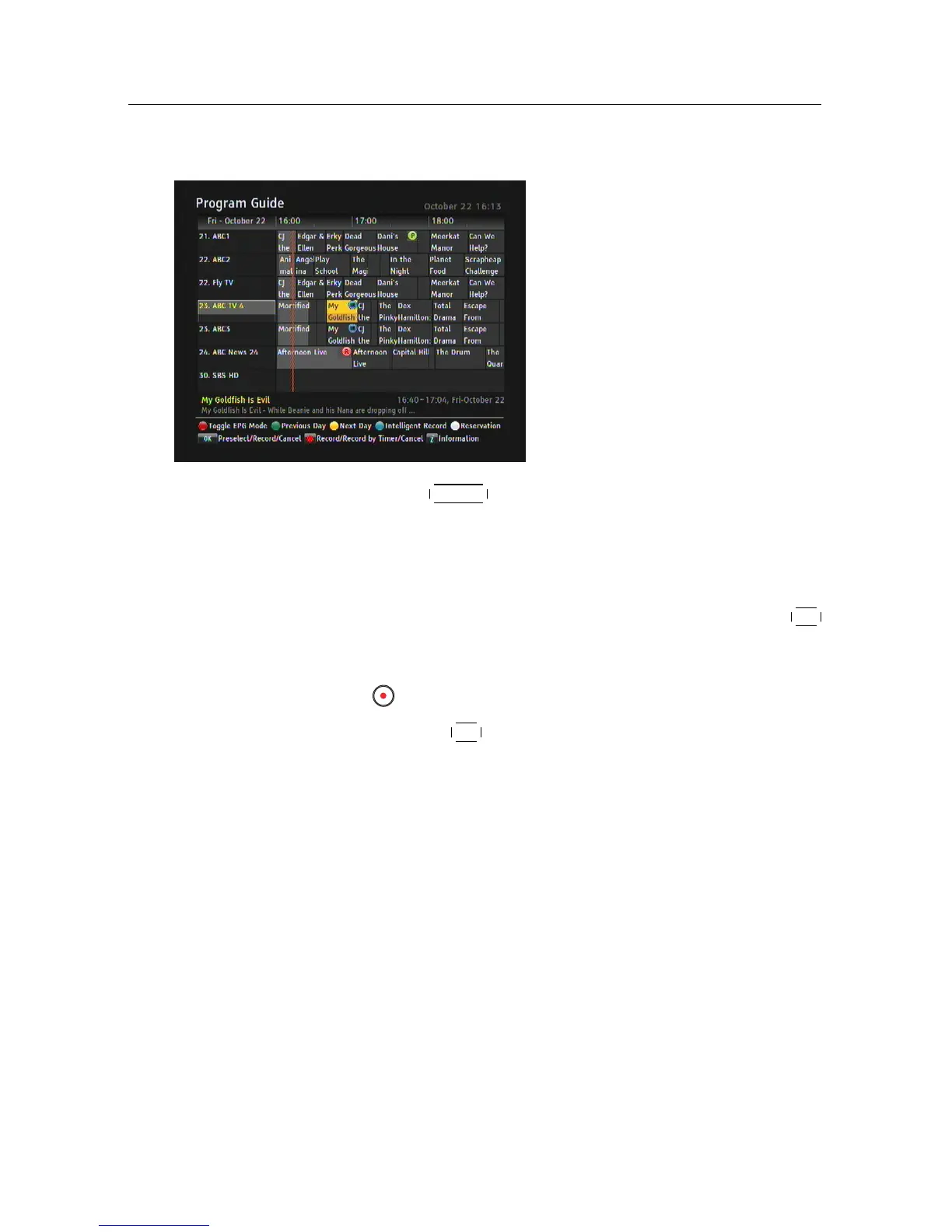
7.1.3 Scheduling recordings using the programme guide
If the electronic programme
guide is properly provided,
you can make timer events on
it. The instructions on how to
make timer recordings using the
electronic programme guide are
as follows:
1. Press the
GUIDE button to display the electronic pro-
gramme guide.
2. Select a programme you want to record with the naviga-
tion buttons.
3. To make a timer event without recording, press the
OK
button; the letter P is displayed. To make a timer event
with recording, press it once more or alternatively press
the button, then the letter R is displayed.
4. Pressing the
OK button once more will cancel the timer.
Intelligent Recording(IR)
Once you choose a show in the program guide and select In-
telligent Record, it not only records the selected show, but also
makes timer recordings for all other episodes of the show that
can be found on the EPG.















 To Next Page